How to set a monthly running schedule of a OneDrive scenario in Make
Here is how to set a monthly running schedule of a onedrive scenario in make
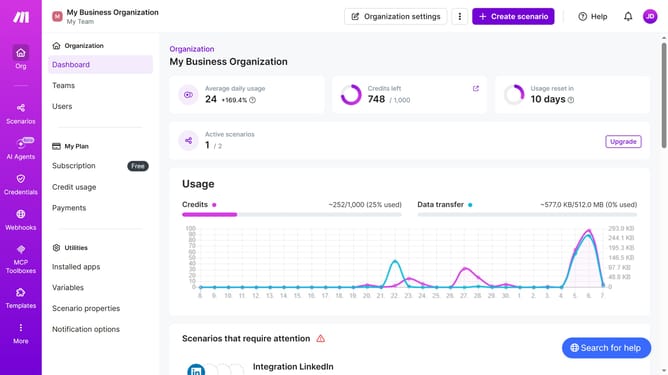
- First click on "Scenarios" item in the left sidebar
- Then click on the "OneDrive" scenario
- Next select "Options" button
- From the dropdown menu, click on "Scheduling"
- Then click on the "Run scenario" dropdown
- Next click on "Monthly" from the dropdown options
- Finally click on the "Save" button
Why should you set a monthly running schedule of a OneDrive scenario in Make
Make is a powerful automation platform designed to optimize workflows and enhance productivity.
Setting a monthly running schedule for a OneDrive scenario in Make optimizes your file management by automating regular tasks that might otherwise demand your manual intervention.
Utilizing this feature ensures consistency in your data management processes, freeing up valuable time for more strategic initiatives. It simplifies workflow automation, reduces manual errors, and significantly boosts efficiency in your OneDrive operations.
Last update