How to manage weekly running schedule for a Google Forms scenario in Make
Here is how to manage weekly running schedule for a google forms scenario in make
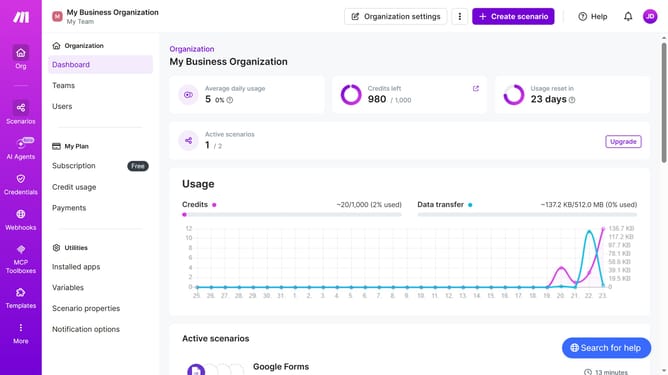
- First click on "Scenarios" item in the sidebar menu
- Then click on the Google Forms scenario in the main content area
- Next click on the "Options" button
- Then select "Scheduling" from the dropdown menu
- Click on the "Run scenario" dropdown menu
- Then select "Weekly" from the list of options
- Click on the "Days" dropdown menu
- Then select a day checkbox from the list of days
- Finally click on the "Save" button
Why should you manage weekly running schedule for a Google Forms scenario in Make
Make is an innovative platform that automates workflows seamlessly.
Using Make to manage your weekly running schedule with Google Forms streamlines your fitness goals effortlessly. With this setup, you can organize your runs, track progress, and adjust routine with ease and simplicity.
By integrating Google Forms in this way, you gain flexibility in modifying your schedule dynamically, ensuring that your running plans align with your lifestyle and targets, thereby enhancing your consistency and performance.
Last update