How to duplicate a LinkedIn scenario in Make
Here is how to duplicate a linkedin scenario in make
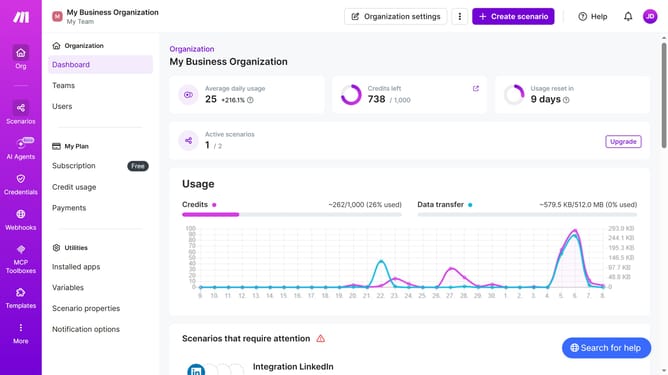
- First click on "Scenarios" in the left sidebar
- Then click on the three dots icon next to the LinkedIn scenario
- Next select "Clone" from the dropdown menu
- Finally click on the "Save" button
Why should you duplicate a LinkedIn scenario in Make
Make is a versatile automation platform designed to streamline your workflows across various applications.
Duplicating a LinkedIn scenario in Make offers a seamless way to replicate and automate complex LinkedIn tasks. This feature is particularly beneficial for professionals who aim to save time and enhance productivity by automating repetitive LinkedIn actions.
Utilizing Make in this manner ensures consistent and efficient management of LinkedIn interactions, ultimately optimizing your professional networking experiences.
Last update