How to add ChatGPT in Make
Here is how to add chatgpt in make
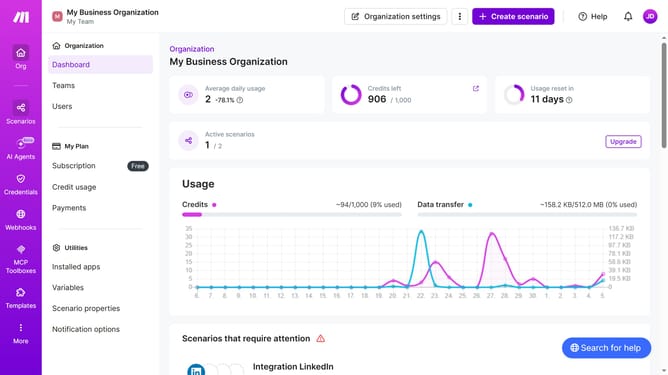
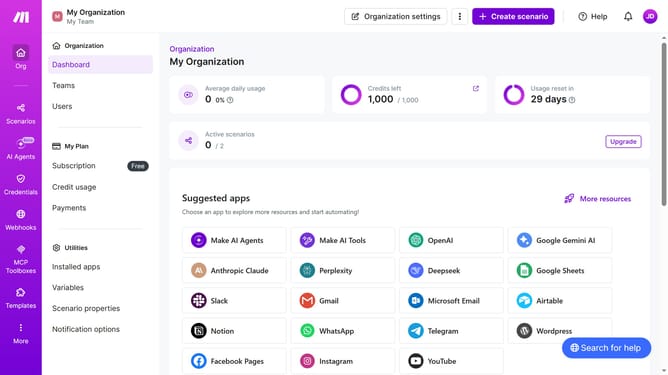
- First click on "Create scenario" button in the header
- Then click on the "Search apps or modules" input field and enter ChatGPT
- Next, click on "OpenAI (ChatGPT, Sora, DALL-E, ...)"
- Then select "Simple text prompt" from the list of options
- Next, click on the "Model *" dropdown menu
- Then select "GPT-
- 5 turbo" from the dropdown list
- After that, click on the "Text prompt *" input field
- Then click on the "A" icon in the functions bar
- Click on the "capitalize" function
- Then click on the "Save" button
- Finally click on the "Save" button in the footer
Why should you add ChatGPT in Make
Make is a dynamic platform designed to automate workflows and enhance productivity.
By integrating ChatGPT into Make, you empower your workflows with advanced AI-driven conversations. ChatGPT can process complex queries and provide intelligent responses, making it a valuable addition to any process.
Using ChatGPT in Make enhances user interaction by providing accurate and timely information, thereby improving user satisfaction.
This integration not only streamlines communication but also increases efficiency by handling repetitive tasks effortlessly.
Last update