How to rename organization name in Make
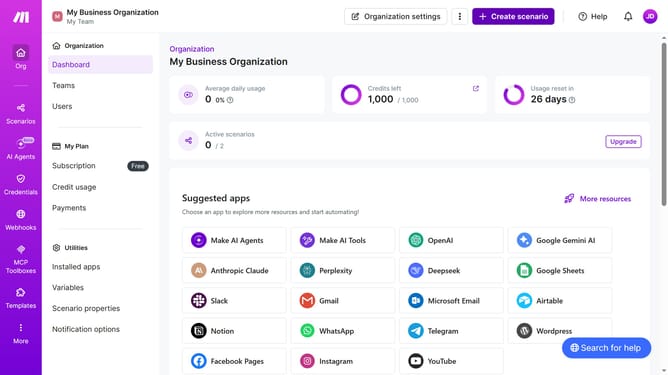
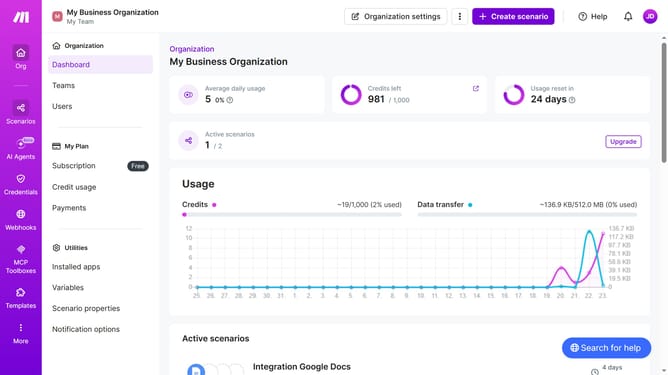
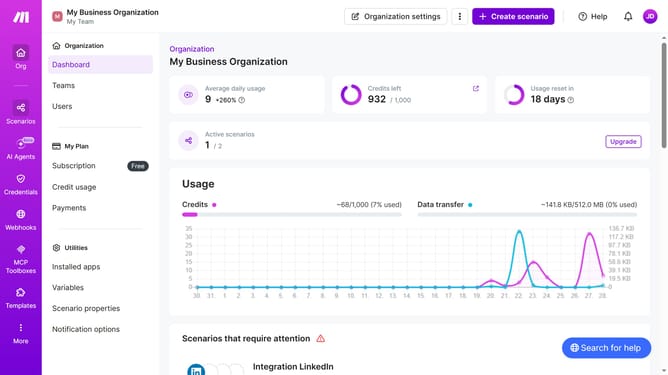
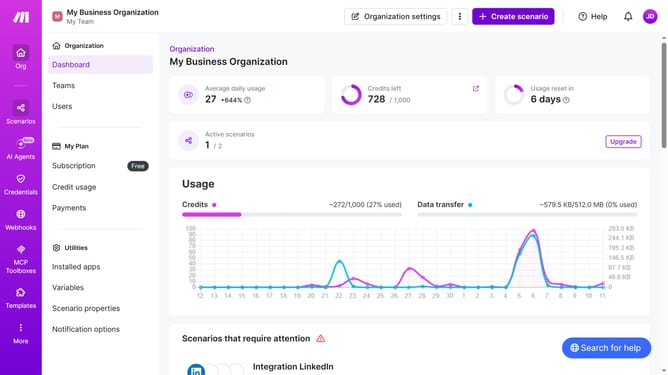
Here is how to rename organization name in make
- First click on the user avatar in the top right corner of the page header
- Then click on the "Profile" option from the dropdown menu
- Next, click on "Time zone options" in the left sidebar
- Then click on the "Edit" button
- After that, click on the "Organization" text input field and edit organization name
- Finally click on the "Save" button in the bottom right corner
Why should you rename organization name in Make
Make is a powerful automation platform that streamlines workflows and enhances productivity across various applications.
The ability to rename an organization in Make reflects its dynamic adaptability, allowing users to maintain clarity and consistency as organizational structures evolve.
This feature ensures that your brand identity is accurately represented, reducing confusion and fostering a cohesive work environment.
Renaming your organization in Make facilitates smooth organizational transitions, aligning your digital workspace with your current business strategy.
Last update