How to add time for a weekday running schedule for Google Form scenario in Make
Here is how to add time for a weekday running schedule for google form scenario in make
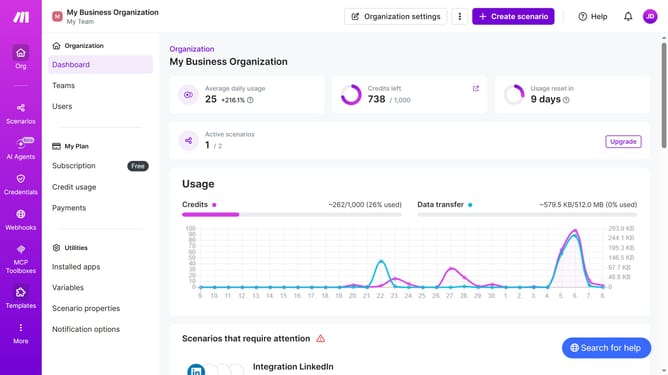
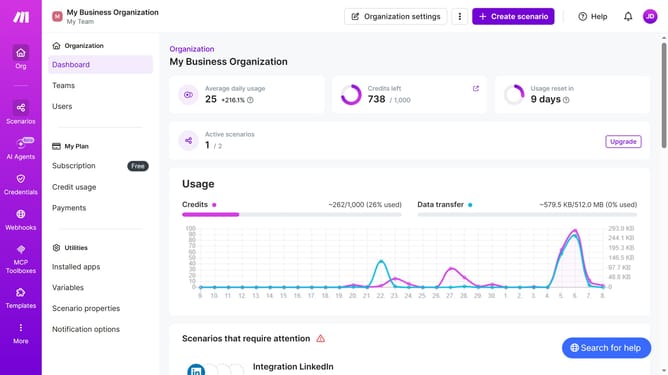
- First, in the left sidebar, click on "Scenarios" option
- Then, click on the Google Forms scenario to open its details
- Next, in the scenario details, click on the "Options" dropdown men
- Select "Scheduling" from the dropdown menu
- Click on "+ Add more times" to add another time slot
- Then, click on the "Time 2" input field to set the second time
- Finally, click the "Save" button to confirm the scheduling changes
Why should you add time for a weekday running schedule for Google Form scenario in Make
Make is an intuitive platform that streamlines automations across various applications.
By adding time to a weekday running schedule in a Google Form scenario on Make, you can effortlessly manage and organize your weekly runs without the hassle of manual updates.
This feature enhances your productivity and ensures your schedule is always up-to-date and accurate.
The clarity and the automated synchronization between your schedule and Google Forms result in a more efficient use of your time, letting you focus on hitting the pavement rather than fiddling with settings.
Last update