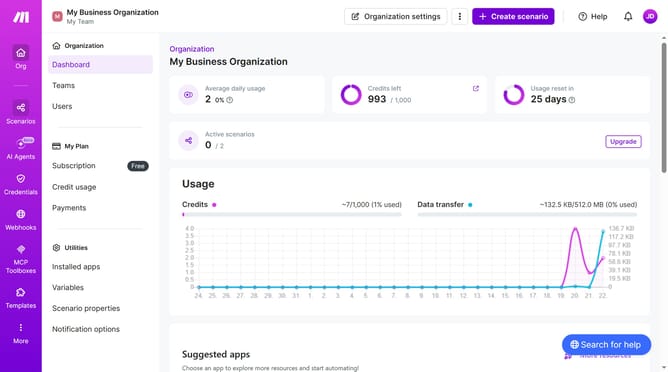
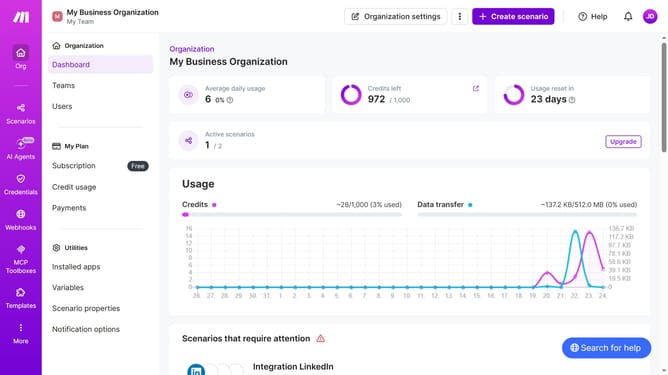
How to add app scenario using a template in Make
Here is how to add app scenario using a template in make
- First click on the "Templates" item in the left sidebar menu
- Then click on a scenario from available template card
- Next click on the "Create new scenario from template" button
- Then click on the "Every 15 minutes" button in the menu bar
- Then click the "Run scenario" dropdown menu
- Then select "Daily" from the "Run scenario" dropdown menu
- Next click on the "Save" button
- Then click on the "Activate scenario" button
- Finally click on the "Save" icon in the bottom bar
Why should you add app scenario using a template in Make
Make is a powerful platform designed to automate repetitive tasks, allowing more focus on what truly matters.
Adding an app scenario using a template in Make simplifies workflow setup by providing pre-configured processes that cater to various needs.
This approach saves time, minimizes errors, and enhances productivity, especially for those new to automation or seeking efficient solutions without starting from scratch.
Using templates in Make not only streamlines operations but also fosters a smoother and more intuitive automation experience.
Last update