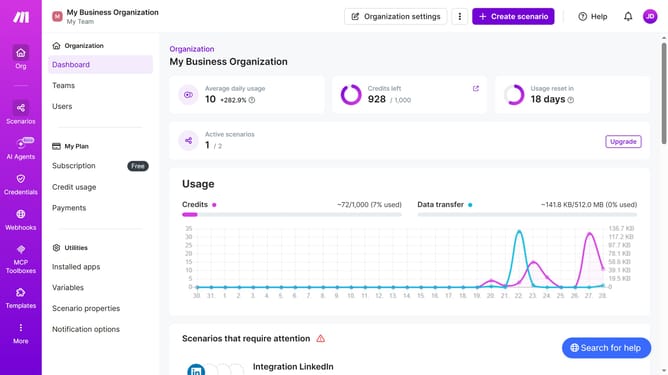
How to enable your two factor authentication
Here is how to enable your two factor authentication
- First, click on the profile icon in the top right header
- Then, click on the "Profile" option in the dropdown menu
- Next, in the sidebar menu, click on "2FA"
- Then, click on the "Enable" button
- After that, follow the authenticator app instruction and insert the code generated by your authenticator app into the input field
- Then, enter your password in the password field
- Finally, click on the "Enable" button
Why should you enable your two factor authentication
Make streamlines your workflow effortlessly.
Enabling your two-factor authentication is a smart step towards securing your online presence. This feature provides an additional layer of security by requiring not just a password, but also a second form of verification.
Why risk your information when you can easily protect it? With two-factor authentication, you reduce the chances of unauthorized access to your accounts.
Embrace peace of mind, knowing you have an effective security measure in place, enhancing your overall digital safety.
Last update