How to set time for a daily running schedule for Shopify scenario in Make
Here is how to set time for a daily running schedule for shopify scenario in make
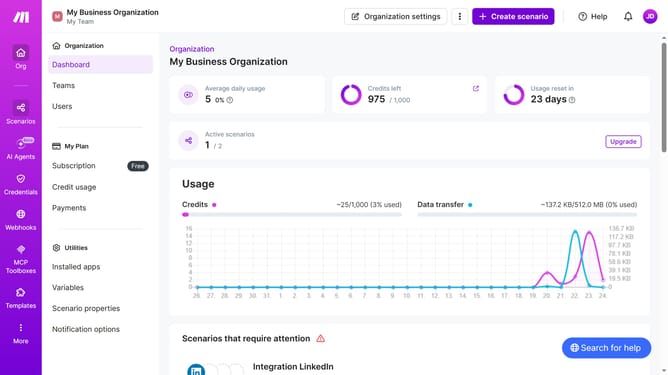
- First click on "Scenarios" in the sidebar
- Then click on the Shopify scenario
- Then click on the "Options" button
- Then select "Scheduling" from the dropdown menu
- Then click on the time input field and enter your preferred time
- Finally click on the "Save" button
Why should you set time for a daily running schedule for Shopify scenario in Make
Make is a powerful automation platform designed to streamline workflows across various applications.
Setting a time for a daily running schedule for a Shopify scenario in Make allows for seamless and predictable task automation.
This feature ensures that your operations run smoothly, reducing manual errors and increasing efficiency.
Using it creates a consistent schedule, optimizing task management and saving valuable time and resources.
Last update