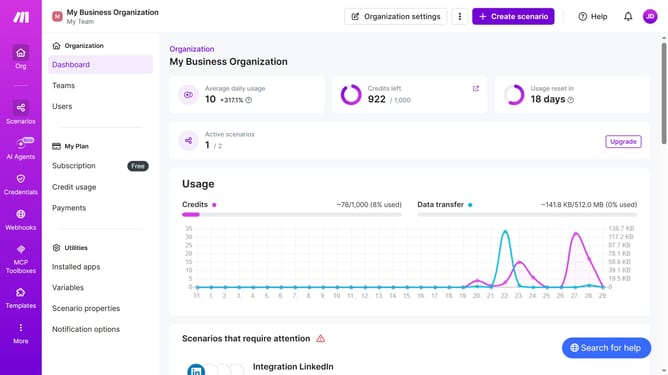
How to delete additional time for a weekday running schedule for Google Calendar scenario in Make
Here is how to delete additional time for a weekday running schedule for google calendar scenario in make
- First click on "Scenarios" in the left sidebar
- Then click on the scenario Google Calendar scenario from the list
- Next click on the "Options" button in the top menu
- Then select "Scheduling" from the dropdown menu
- After that click on the "x" icon next to the time that you want to delete
- Finally click on the "Save" button
Why should you delete additional time for a weekday running schedule for Google Calendar scenario in Make
Make is an intuitive platform that streamlines automations across apps and workflows.
Efficiently managing your weekday running schedule on Google Calendar is hassle-free with Make. By deleting additional time slots for your runs, it ensures your calendar remains clutter-free, focusing only on actionable tasks.
The ability to effortlessly adjust your schedule enhances productivity and keeps you organized, resulting in more time to concentrate on your fitness goals and less time spent on calendar management.
Last update