How to set a one-time running schedule for a Zapier scenario in Make
Here is how to set a one-time running schedule for a zapier scenario in make
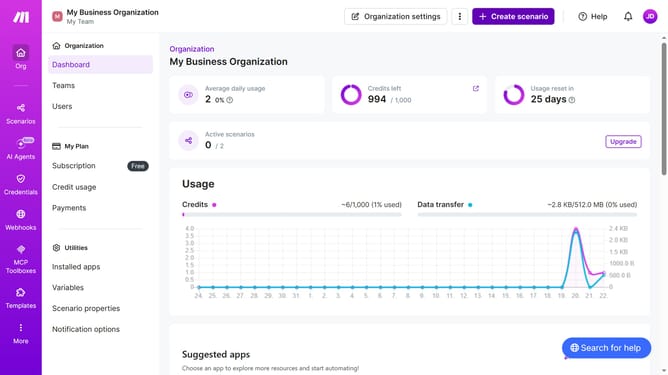
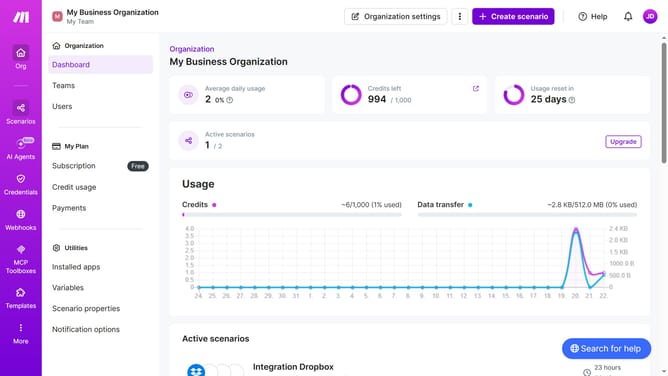
- First click on "Scenarios" in the left sidebar
- Then click on the "Zapier" scenario
- Next click on the "Options" button
- Then select "Scheduling" from the dropdown menu
- Click on the "Run scenario" dropdown in the "Schedule settings" modal
- Then select "Once" from the dropdown options
- Finally click on the "Save" button
Why should you set a one-time running schedule for a Zapier scenario in Make
Make is a streamlined platform designed to automate workflows with ease.
Setting a one-time running schedule for a Zapier scenario in Make is a feature that offers flexibility and precision in managing automations. This functionality allows users to execute a task at a specified time, ensuring that important processes are conducted promptly without manual intervention.
By leveraging this feature, users can efficiently handle time-sensitive tasks, improve productivity, and guarantee accurate timing for critical automations. It's perfect for one-off tasks, aligning with specific campaign launches or deadlines.
Last update