How to duplicate a Google Docs scenario in Make
Here is how to duplicate a google docs scenario in make
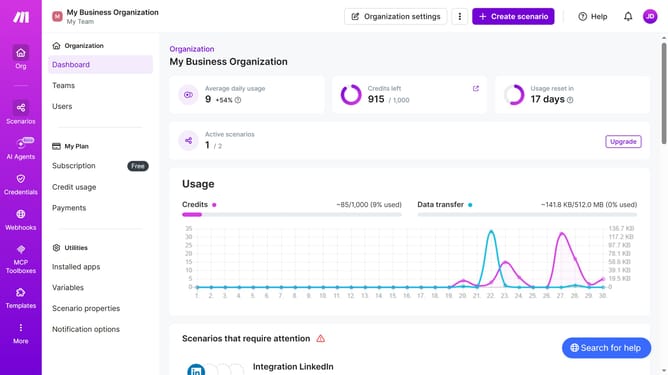
- First, click on "Scenarios" in the left sidebar
- Then, click on the three dots icon next to the Google Docs scenario that you want to duplicate
- Next, select the "Clone" option from the menu
- Finally, click on the "Save" button
Why should you duplicate a Google Docs scenario in Make
Make is a powerful automation platform designed to streamline workflows and enhance productivity.
Duplicating a Google Docs scenario in Make is a feature that allows you to create identical processes, saving time and maintaining consistency.
This is particularly beneficial for users who frequently set up similar workflows, as it reduces the need to manually recreate each step.
By leveraging this feature, you ensure accuracy and efficiency, ultimately freeing up valuable resources to focus on more critical tasks.
Last update