How to add a scenario description for Shopify in Make
Here is how to add a scenario description for shopify in make
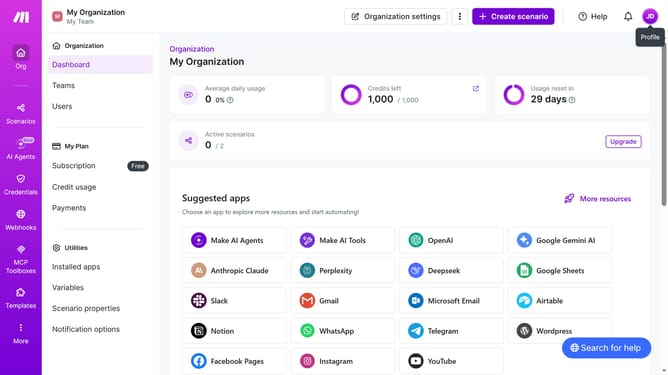
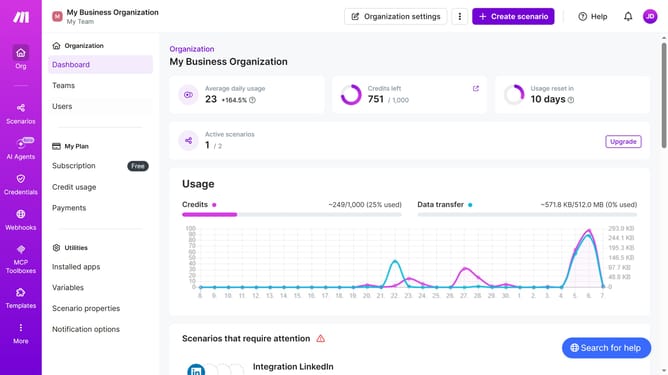
- First click on the "Scenarios" item in the left sidebar
- Then click on the "Shopify" scenario
- Next, click on the "Options" button in the header
- Then select the "Edit description" option from the dropdown menu
- After that, click on the "Description" input field to edit the text
- Finally click on the "Save" button
Why should you add a scenario description for Shopify in Make
Make, a robust tool for workflow automation, simplifies intricate processes across multiple platforms.
By adding a scenario description for Shopify in Make, users can effortlessly manage and understand complex e-commerce tasks with ease.
This feature enhances organization and communication, ensuring teams are always aligned and operations run smoothly. It further allows businesses to streamline their workflows, saving both time and resources.
Moreover, setting clear scenarios fosters better decision-making and efficiency, fueling growth and innovation.
Last update