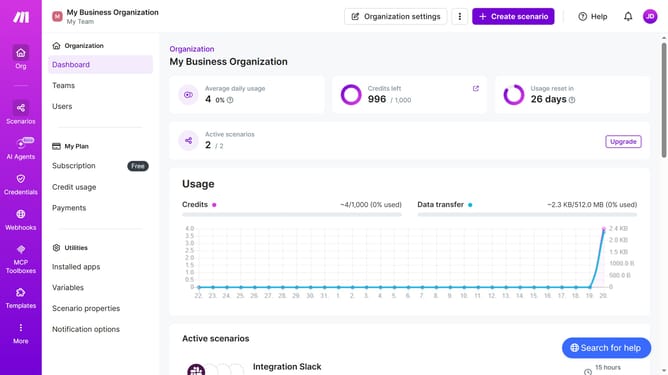
How to manage daily running schedule for a Gmail scenario in Make
Here is how to manage daily running schedule for a gmail scenario in make
- First click on the "Scenarios" link in the left sidebar
- Then click on the Gmail item in the list of scenarios
- Next click on the "Options" button
- Then select "Scheduling" from the dropdown menu
- Click on the "Run scenario" dropdown to change the run schedule
- Then select "Daily" from the list of options
- Finally click on the "Save" button
Why should you manage daily running schedule for a Gmail scenario in Make
Make is a versatile automation platform designed to streamline processes and enhance productivity.
Managing your daily running schedule for a Gmail scenario in Make ensures that your tasks are consistently executed without manual intervention.
This automation feature is ideal for busy professionals who need to maintain seamless communication and organization.
By scheduling your Gmail tasks, you can focus on more strategic activities, knowing that routine operations are handled efficiently.
Last update