How to add a scenario description for Microsoft 365 Email (Outlook) in Make
Here is how to add a scenario description for microsoft 365 email (outlook) in make
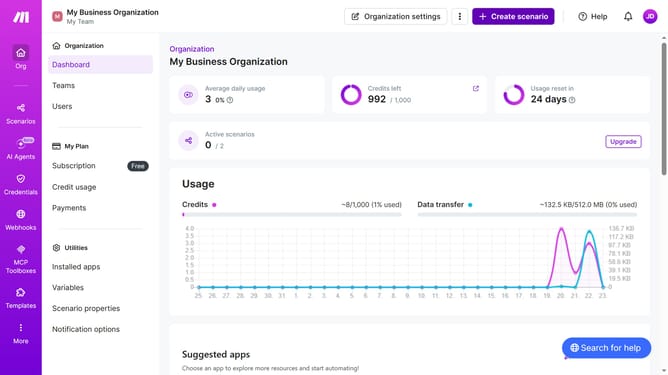
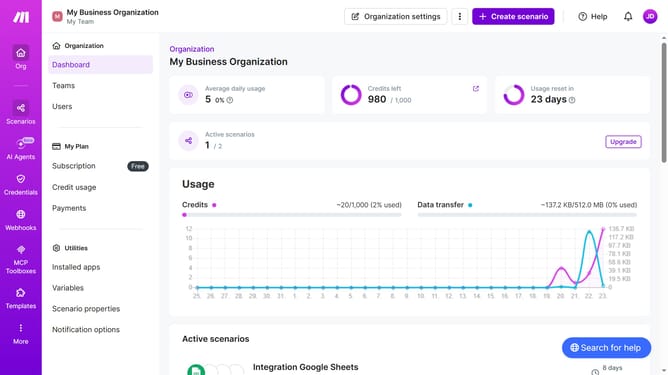
- First click on the "Scenarios" item in the left sidebar
- Then click on the "Microsoft 365 Email (Outlook)" scenario
- Then click on the "Options" button
- Then select the "Edit description" option from the dropdown menu
- Then click on the "Description" text input field and enter scenario description
- Finally click on the "Save" button
Why should you add a scenario description for Microsoft 365 Email (Outlook) in Make
Make is a powerful platform designed to streamline and automate workflow processes effortlessly.
When adding a scenario description for Microsoft 365 Email (Outlook) in Make, users gain clarity and structure for their automated tasks. This feature allows for better organization and understanding, leading to more efficient communication and task management.
Utilizing scenario descriptions enhances collaboration by providing team members with clear insights into workflow intentions and outcomes. This leads to improved productivity and a more seamless work environment.
Last update