How to add time for a weekday running schedule for Google Sheets scenario in Make
Here is how to add time for a weekday running schedule for google sheets scenario in make
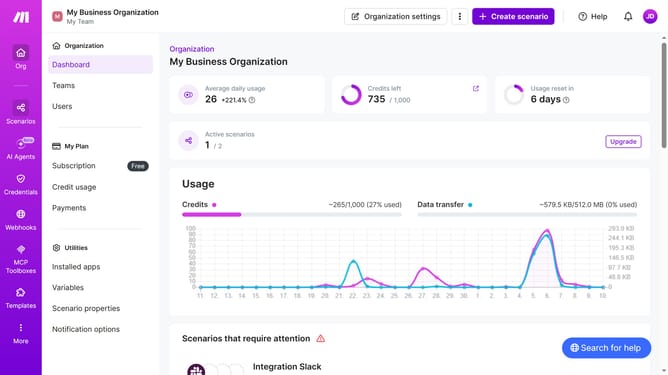
- First click on "Scenarios" item in the left sidebar menu
- Then click on the Google Sheets scenario from the list of scenarios
- Next, click on the "Options" dropdown menu
- Then select "Scheduling" from the dropdown options
- After that, click on "+ Add more times" button
- Next, click on "Time 2" input field and enter your preferred time
- Finally click on the "Save" button
Why should you add time for a weekday running schedule for Google Sheets scenario in Make
Make is a versatile automation platform that simplifies the integration of various tools and processes.
By adding time for a weekday running schedule to a Google Sheets scenario in Make, users can efficiently organize their tasks and maximize productivity. This feature allows for the precise scheduling of tasks according to specific times and days, ensuring that your data and processes align perfectly with your weekly running plans.
Utilizing this functionality enhances workflow management, optimizes task execution, and provides greater control over time-sensitive activities. It serves as a practical tool for individuals aiming to streamline their schedules and automate routine tasks effectively.
Last update