How to set a weekday running schedule for Mailchimp scenario in Make
Here is how to set a weekday running schedule for mailchimp scenario in make
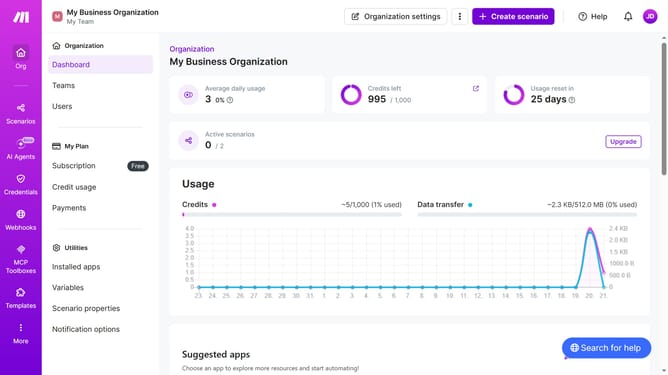
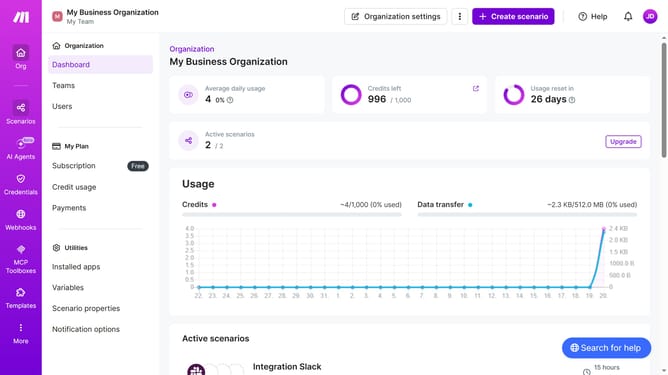
- First click on "Scenarios" in the left sidebar
- Then click on the Mailchimp scenario
- Then click on the "Options" dropdown
- Then click on the "Scheduling" option
- Then click on the "Run scenario" dropdown
- Then select "Weekdays (Mon - Fri)" from the "Run scenario" options
- Then click on the "Save" button
Why should you set a weekday running schedule for Mailchimp scenario in Make
Make is a powerful automation platform designed to simplify tasks and optimize workflows effortlessly.
A fantastic feature in Make is the ability to set a weekday running schedule for your Mailchimp scenarios. This ensures that your campaigns are executed at optimal times without the need for constant manual intervention.
By customizing your scenario schedules, you maintain consistent communication with your audience. It streamlines operations, freeing up valuable time for strategic decision-making while ensuring your efforts align perfectly with your audience's engagement patterns.
Last update