How to view credit usage of an app in Make
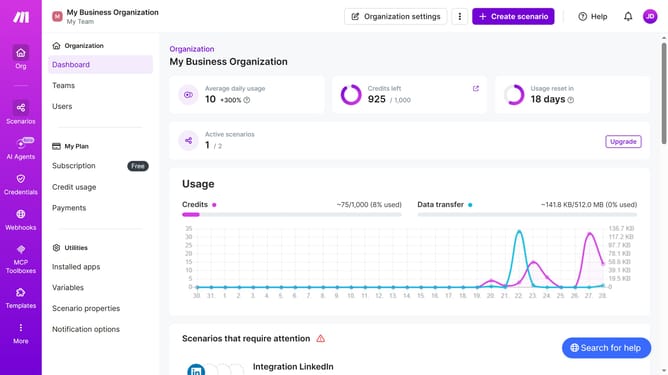
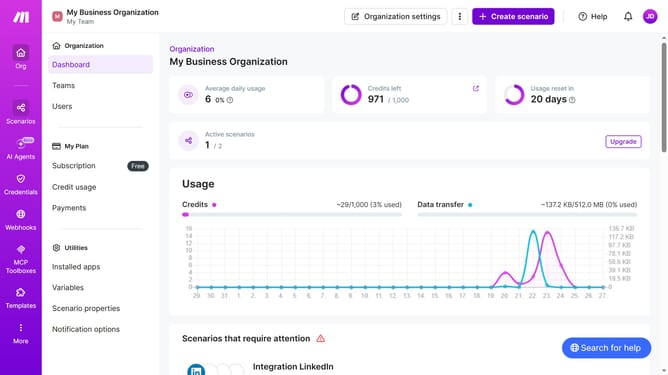
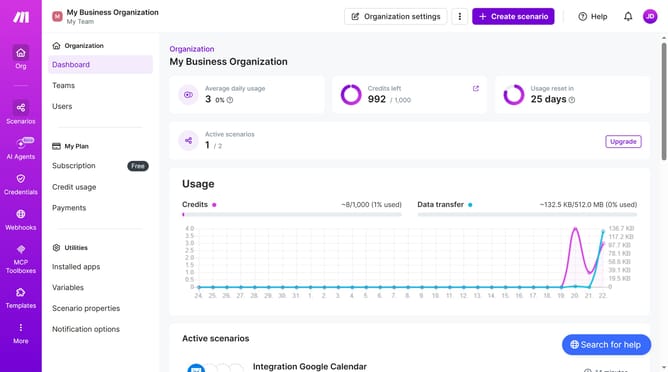
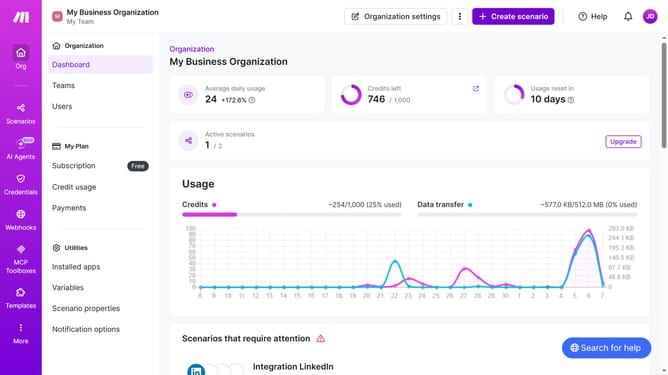
Here is how to view credit usage of an app in make
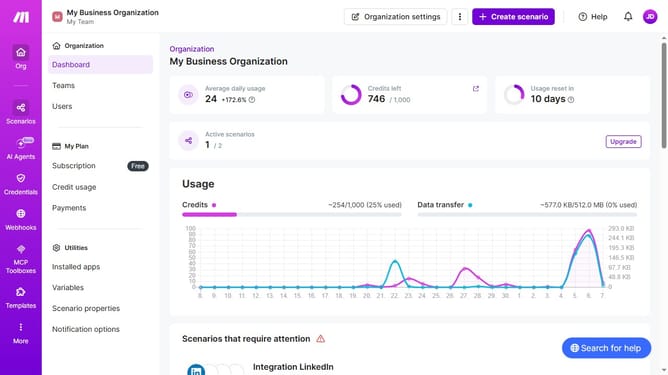
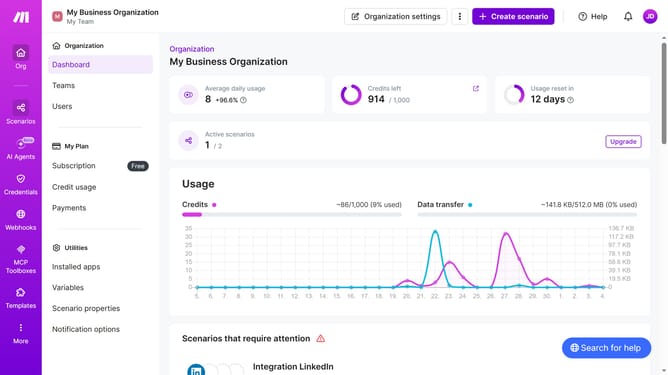
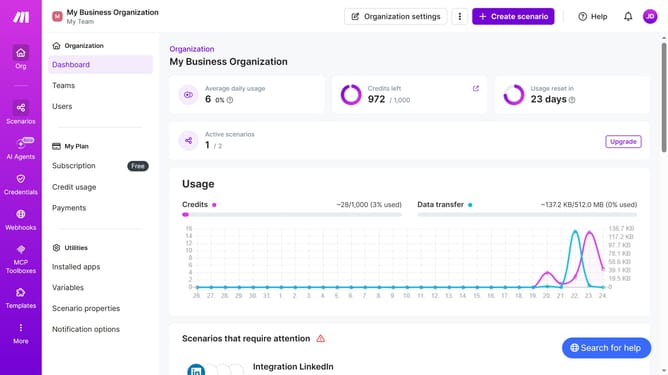
- First click on "Credit usage" in the left sidebar
- Then click on the specific app that you want to view in the main content area
- Finally, click on the text area displaying "The operation was completed"
Why should you view credit usage of an app in Make
Make is an innovative platform designed to streamline app integration and automation seamlessly.
The feature to view credit usage in Make provides users with valuable insights into how their app credits are being spent, helping to avoid unexpected surprises.
This feature allows for more precise and efficient planning, empowering users to make informed decisions.
By tracking credit consumption, it ensures productivity while maximizing the potential of every application used.
Last update