How to set regular interval of running schedule of a Google Sheets scenario in Make
Here is how to set regular interval of running schedule of a google sheets scenario in make
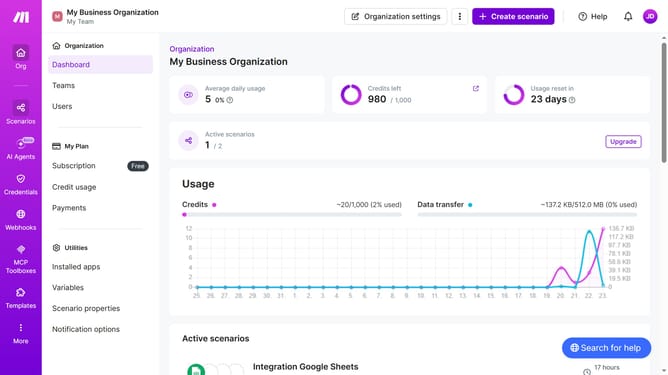
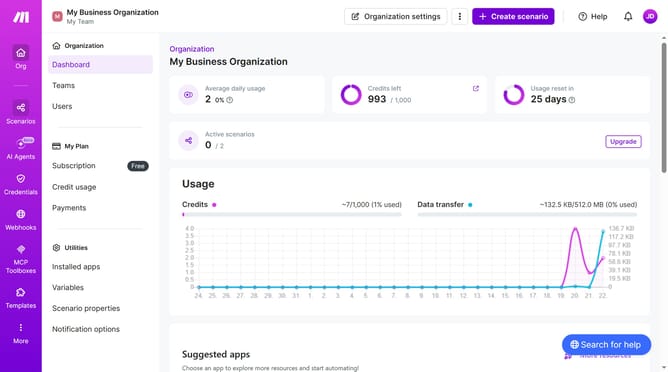
- First click on "Scenarios" in the left sidebar menu
- Then click on the Google Sheets scenario
- Then click on the "Options" button
- Next select "Scheduling" from the dropdown menu
- In the 'Schedule settings' pop-up, click on the "Run scenario" dropdown
- Then select "At regular intervals" from the presented options
- Finally click on the "Save" button
Why should you set regular interval of running schedule of a Google Sheets scenario in Make
Make is an intuitive platform designed to easily automate workflows between various applications.
By setting regular intervals for running a Google Sheets scenario in Make, you streamline your operations and ensure that your data is consistently up-to-date without manual intervention.
This feature enhances productivity and allows for real-time data management which is essential for making timely decisions. Additionally, setting automated schedules reduces the risk of errors compared to manual updates, leading to more reliable data handling.
Last update