How to set time for a weekday running schedule for Shopify scenario in Make
Here is how to set time for a weekday running schedule for shopify scenario in make
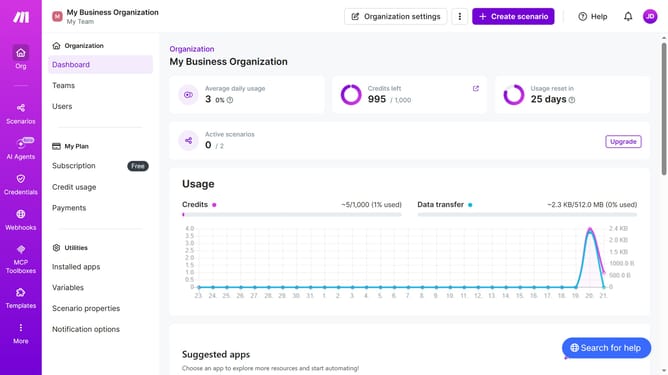
- First, click on "Scenarios" in the left sidebar
- Then click on the "Shopify" scenario to select it
- Next, click on the "Options" button in the top right menu
- From the dropdown menu, select "Scheduling"
- In the schedule settings, click on the time input field and edit it
- Finally, click on the "Save" button to confirm the changes
Why should you set time for a weekday running schedule for Shopify scenario in Make
Make is a versatile automation platform designed to streamline workflows and boost productivity.
One powerful feature within Make is the ability to set a time for a weekday running schedule specifically for Shopify scenarios.
This feature provides a seamless way to automate tasks and updates during the business week, ensuring your Shopify store operations run smoothly and efficiently.
By scheduling routine tasks, you minimize manual oversight and keep your online store running optimally, allowing you to focus on delivering exceptional customer experiences.
Last update