How to duplicate a Google Calendar scenario in Make
Here is how to duplicate a google calendar scenario in make
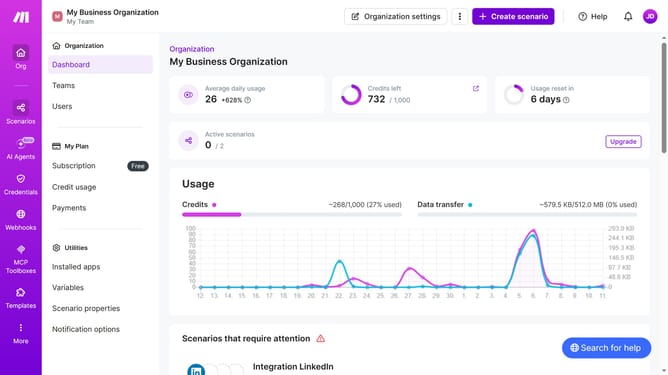
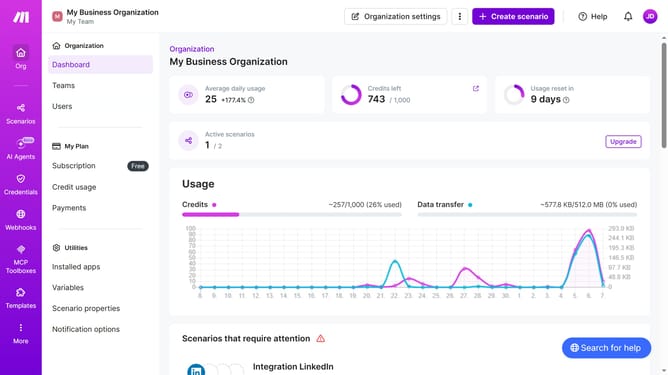
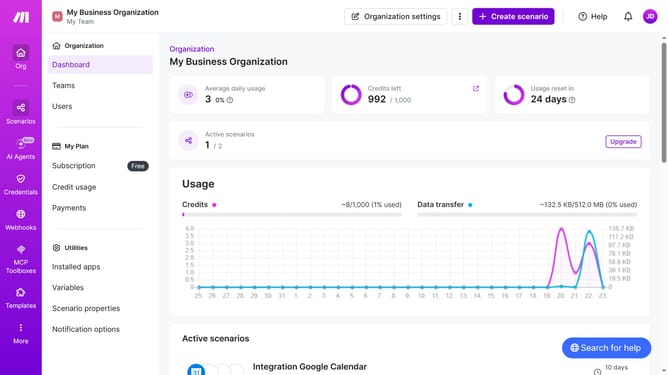
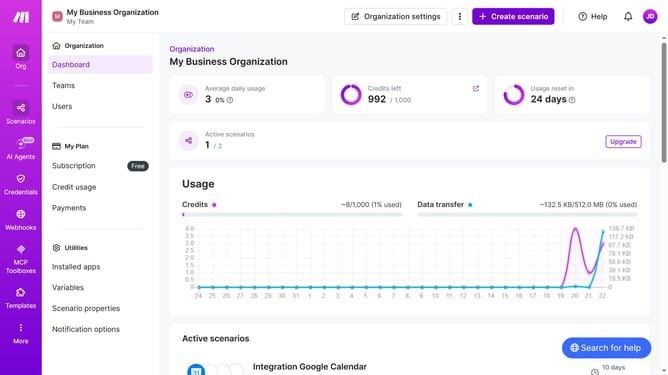
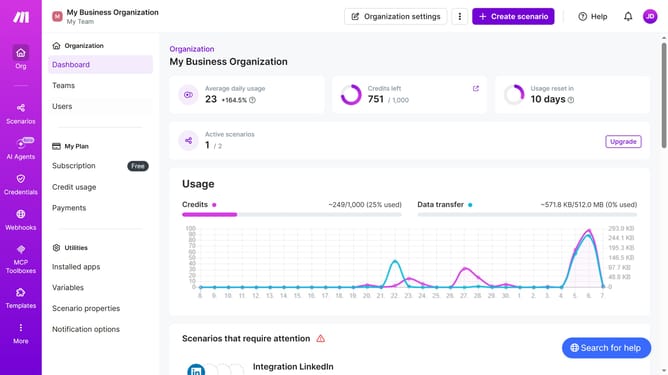
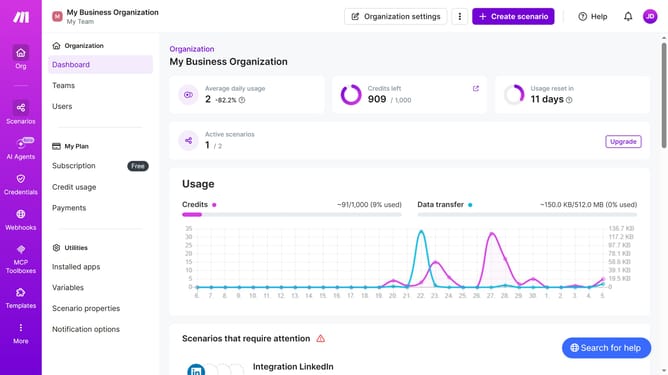
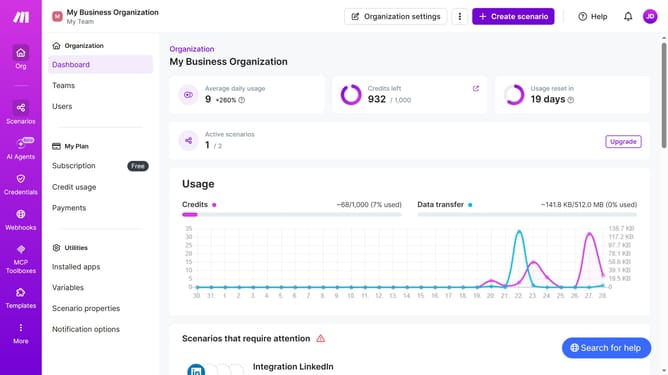
- First click on "Scenarios" in the left sidebar
- Then click on the three vertical dots icon next to the Google Calendar scenario you want to duplicate
- Next click on the "Clone" option
- Finally click on the "Save" button
Why should you duplicate a Google Calendar scenario in Make
Make is a versatile automation platform designed to streamline your workflows by connecting your favorite apps.
Duplicating a Google Calendar scenario in Make allows you to effortlessly recreate the logic and structure of an existing setup. This feature is perfect for maintaining consistency across different projects or teams, ensuring that everyone is on the same page without recreating workflows from scratch.
By using this feature, you save valuable time and effort, enhancing productivity and improving collaboration in any work environment.
Last update