How to delete a Pinterest scenario in Make
Here is how to delete a pinterest scenario in make
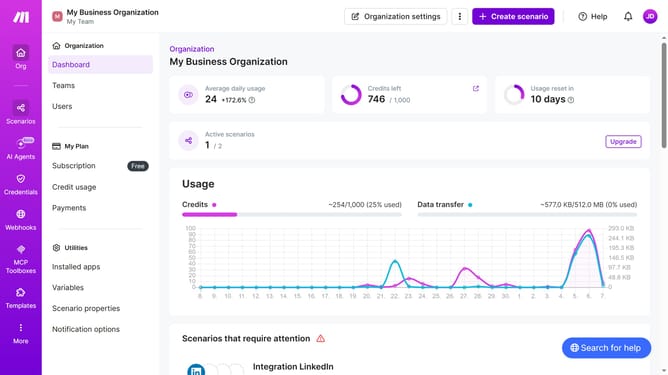
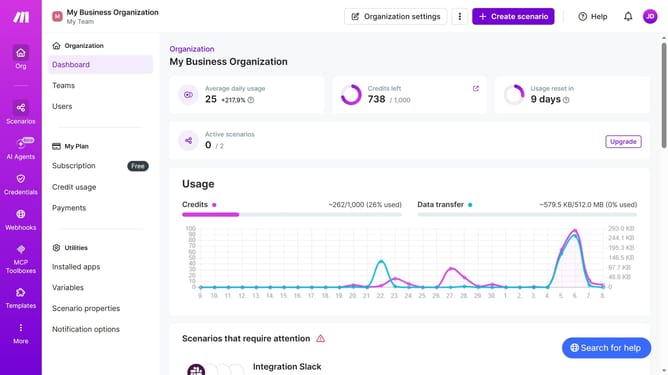
- First click on "Scenarios" link in the left sidebar
- Then click on the three vertical dots icon next to the scenario you want to delete
- Next, select the "Delete" option from the dropdown menu
- Finally, click on the "Delete" button to confirm the deletion
Why should you delete a Pinterest scenario in Make
Make is a versatile automation platform designed to streamline workflows across various applications.
Deleting a Pinterest scenario in Make not only helps in decluttering your workspace but also ensures that your automations are up-to-date and relevant.
This feature is particularly beneficial for users aiming to maintain a neat and organized digital environment, allowing them to focus on active and effective automations.
By managing scenarios efficiently, you can enhance productivity, ensuring that your resources are allocated to the most impactful tasks.
Last update