How to manage weekly running schedule for a Google Sheets scenario in Make
Here is how to manage weekly running schedule for a google sheets scenario in make
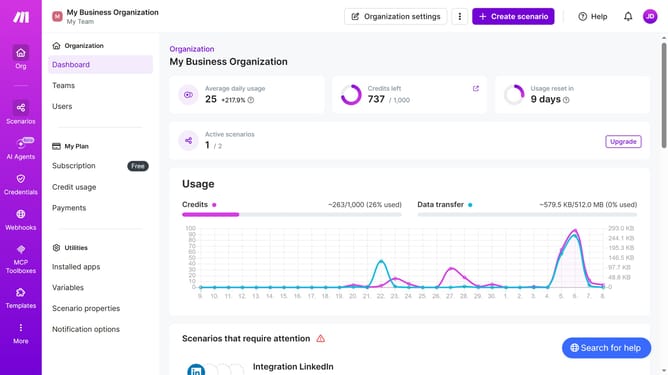
- First click on "Scenarios" in the left sidebar
- Then click on the Google Sheets scenario
- Next click on the "Options" button
- Then select "Scheduling" from the dropdown menu
- Click on the "Run scenario" dropdown
- Then select "Weekly" from the run scenario dropdown
- Then click on the "Days" dropdown
- Next select days checkbox from the dropdown list
- Finally click on the "Save" button
Why should you manage weekly running schedule for a Google Sheets scenario in Make
Make is an intuitive automation platform designed to connect and streamline workflows with minimal effort.
Managing a weekly running schedule using Google Sheets in Make allows for seamless coordination of training plans and tracking progress efficiently. With this setup, athletes and coaches can easily update and access schedules from anywhere, enhancing flexibility and consistency.
This integration not only minimizes manual data entry but also offers real-time updates that help maintain motivation and accountability, ensuring that runners can focus more on their performance and less on administrative tasks.
Last update