How to manage monthly running schedule of a Youtube scenario in Make
Here is how to manage monthly running schedule of a youtube scenario in make
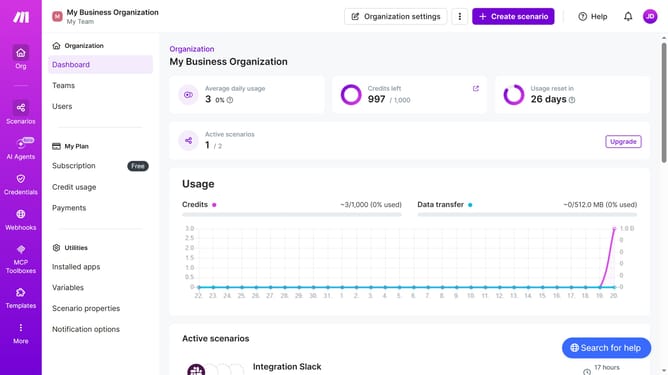
- First click on the "Scenarios" item in the sidebar
- Then click the Youtube scenario to open it
- Click on the "Options" button in the header
- Then click on the "Scheduling" option from the dropdown menu
- Then click on the "Run scenario" dropdown
- Next select "Monthly" from the dropdown list
- Click on the "Days" dropdown
- Then click on the checkbox of your preferred dates
- Finally click on the "Save" button
Why should you manage monthly running schedule of a Youtube scenario in Make
Make is a versatile automation platform designed to streamline complex workflows effortlessly.
Managing a monthly running schedule for a YouTube scenario in Make allows users to efficiently plan and automate their content strategies. This feature simplifies the scheduling process, ensuring consistent and timely video uploads without manual intervention.
Utilizing automated schedules enhances productivity and allows creators to focus more on content creation while ensuring their audience receives regular updates. By integrating Make into your YouTube routine, you can achieve improved workflow efficiency and maintain an active online presence effortlessly.
Last update