How to get email when there is a warning scenario run in Make
Here is how to get email when there is a warning scenario run in make
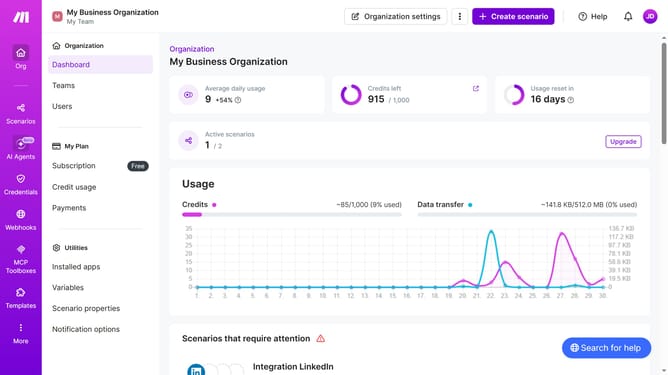
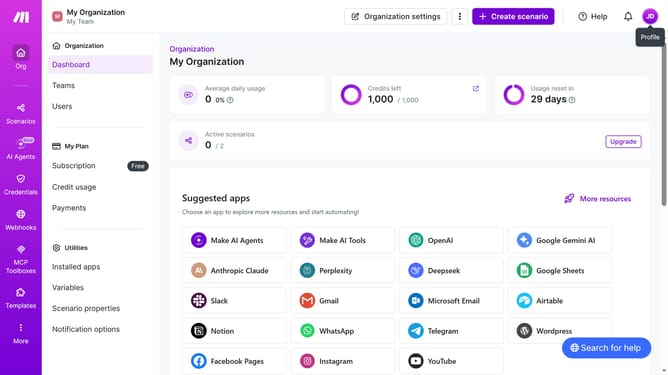
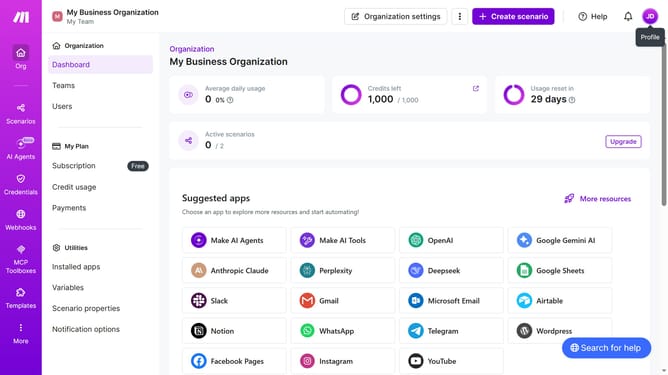
- First click on the user icon in the top right corner of the header
- Then click on "Profile" in the dropdown menu
- Next, click on "Email preferences" in the left sidebar
- Finally, click on the toggle switch to the left of "Warning in scenario run"
Why should you get email when there is a warning scenario run in Make
Make is an intuitive automation platform designed to integrate apps and streamline your workflows.
Receiving an email when there is a warning scenario run in Make enhances your project management by proactively alerting you of potential issues.
This feature assists in maintaining smooth operations by ensuring that no critical alerts go unnoticed, allowing for timely intervention.
By staying informed, you can minimize downtime and ensure optimal performance, all without manually monitoring each process, making your workflow both efficient and reliable.
Last update