How to manage weekly running schedule for an OpenAI scenario in Make
Here is how to manage weekly running schedule for an openai scenario in make
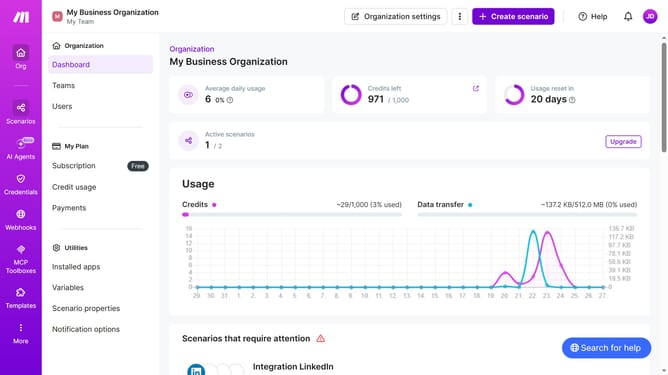
- First click on "Scenarios" item in the left sidebar
- Then click on the OpenAI scenario
- Next, click on the "Options" button in the top right menu
- Then select "Scheduling" from the dropdown menu
- After that, click on the dropdown for "Run scenario" in the "Schedule settings" moda
- Next, select "Weekly" from the "Run scenario" options.
- Then click on the dropdown for "Days" in the "Schedule settings" modal
- Select and click checkbox from the list of days
- Finally, click on the "Save" button in the "Schedule settings" modal
Why should you manage weekly running schedule for an OpenAI scenario in Make
Make is a versatile automation platform that streamlines workflows by integrating various services and applications.
Managing a weekly running schedule for an OpenAI scenario in Make enables users to automate tasks and maximize efficiency. This feature allows for consistent scenario execution, ensuring tasks occur without manual intervention.
Using this scheduling feature helps optimize operations, saves time, and increases productivity by allowing users to focus on strategic activities instead of repetitive tasks.
Last update