How to run Slack scenario in Make
Here is how to run slack scenario in make
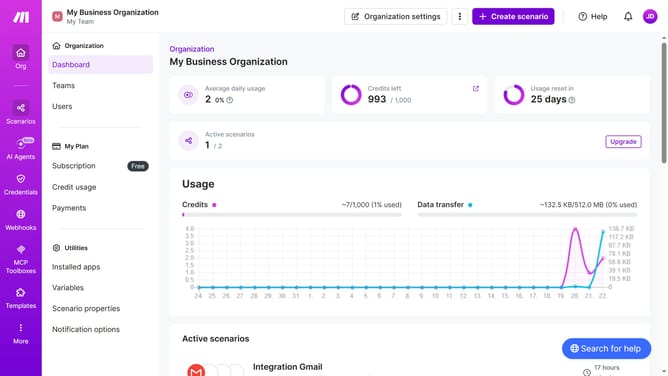
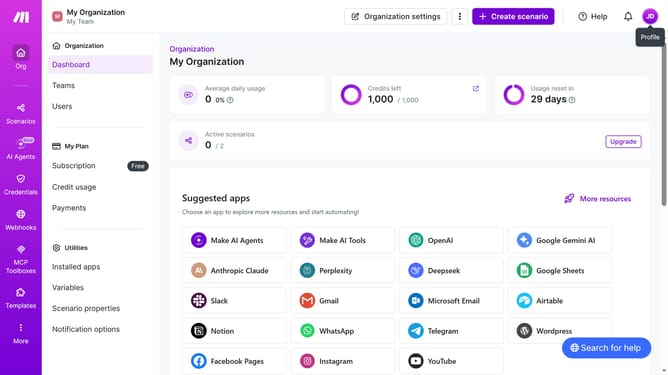
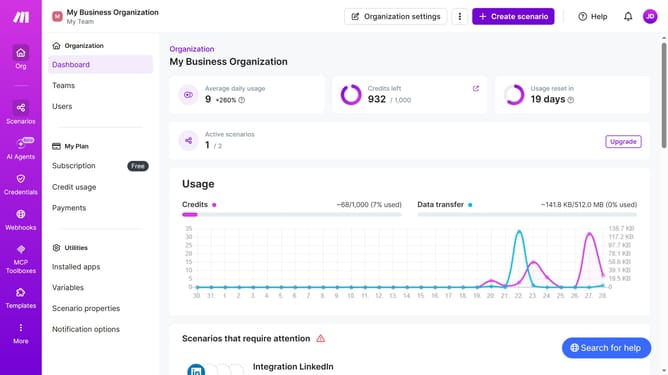
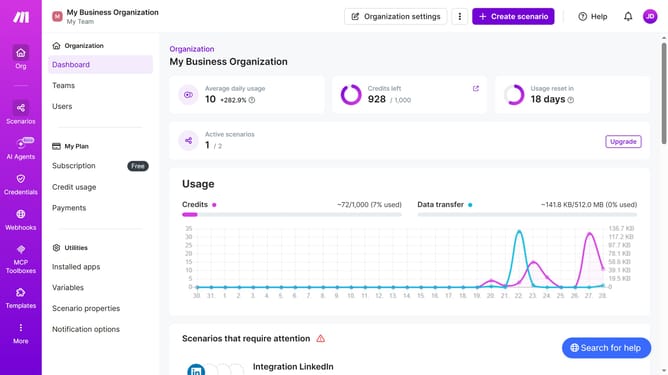
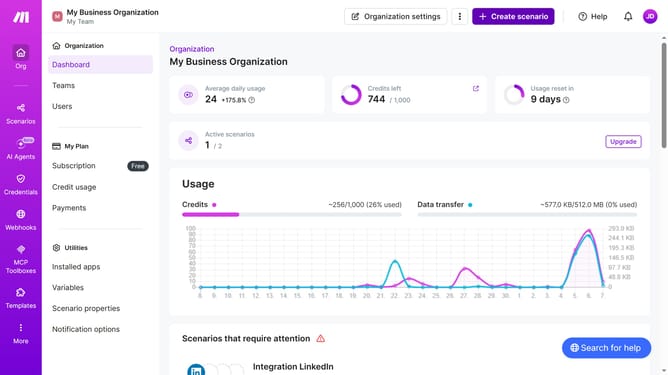
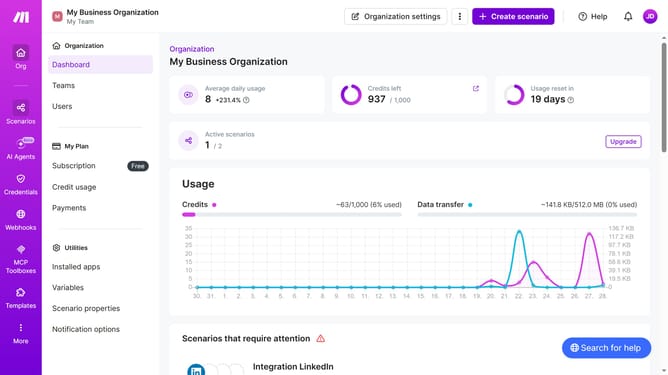
- First click on the "Scenarios" option in the left sidebar
- Then click on the "Integration Slack" item in the list of scenarios
- Next, click on the "Edit" button in the top right header
- Then click on the dropdown arrow next to the "Run once" button.
- After that, click on the "Select run" drop down
- Then select an option from the dropdown menu
- Next, click on the "Run once" button in the modal window
- Finally, click on the "Save" icon in the bottom toolbar
Why should you run Slack scenario in Make
Make is a versatile automation platform designed to streamline complex workflows with ease.
Running a Slack scenario in Make empowers teams to automate communication processes, enhancing collaboration and productivity. By integrating Slack seamlessly within workflows, Make allows for real-time notifications and updates without manual intervention.
Utilizing Make to manage Slack scenarios not only decreases repetitive tasks but also enhances team responsiveness by channeling information fluidly, ensuring critical updates never go unnoticed.
Last update