How to add app Pinterest in Make
Here is how to add app pinterest in make
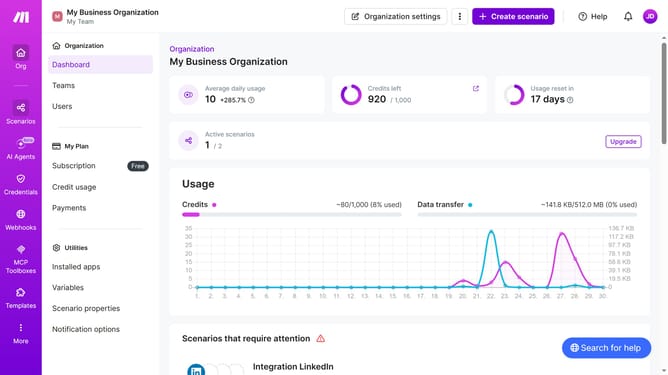
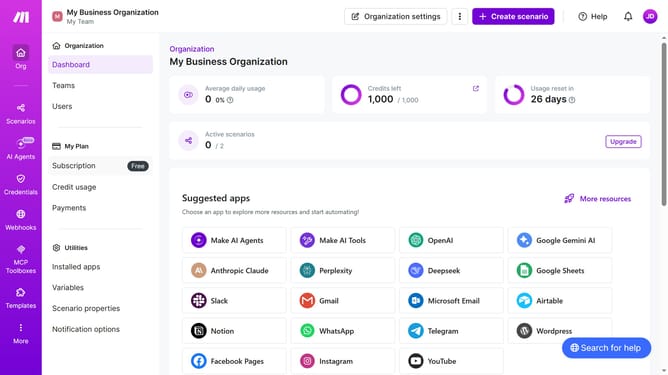
- First click on "Create scenario" button in the header
- Then click on the search input field to search for apps or modules and type "Pinterest"
- Then click on the "Pinterest" app icon
- Then click on the "Create a Pin" option
- Then click on the "Source Type" dropdown
- Then select "Image URL" from the dropdown list
- Then click on the "Image URL" input field and enter the required URL
- Then click on the "Board" dropdown
- Then select from the list of boards
- Then click on the "Save" button
- Finally click on the "Save" button in the footer
Why should you add app Pinterest in Make
Make is an innovative platform that simplifies workflow automation by connecting apps to enhance productivity effortlessly.
By adding the Pinterest app to Make, users can easily automate tasks between Pinterest and other tools, streamlining processes and saving time.
This integration enhances efficiency by automatically handling repetitive tasks, enabling users to focus more on creative strategies and less on manual operations.
Using Make to integrate Pinterest not only optimizes workflows but also empowers users to maximize the potential of their digital content.
Last update