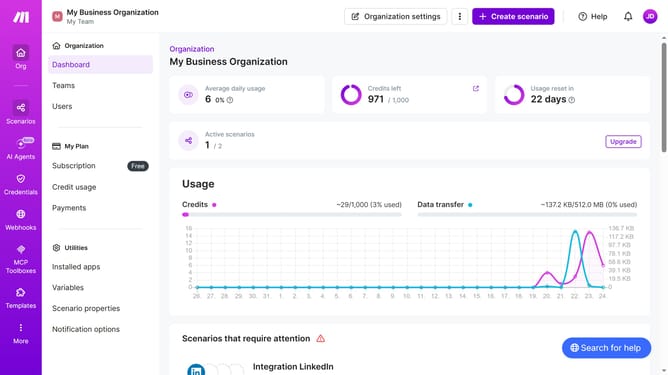
How to set a regular interval running schedule for a Calendly scenario in Make
Here is how to set a regular interval running schedule for a calendly scenario in make
- First click on "Scenarios" item in the left sidebar
- Click on the Calendly scenario name
- Then click on the "Options" button in the top right menu
- Next select "Scheduling" from the dropdown menu
- Then click on the "Run scenario" dropdown field
- Select "At regular intervals" from the dropdown list
- Finally click on the "Save" button to confirm the scheduling settings
Why should you set a regular interval running schedule for a Calendly scenario in Make
Make is a powerful platform designed to automate repetitive tasks and enhance productivity effortlessly.
Setting a regular interval running schedule for a Calendly scenario in Make ensures that your workflows operate consistently and reliably. This feature allows you to automate the planning and follow-up processes with ease.
Using this capability streamlines your time management, reducing manual efforts and minimizing errors. The benefit of such automation is a smoother, uninterrupted scheduling process that keeps you focused on more critical tasks.
Last update