How to add time for a daily running schedule for LinkedIn scenario in Make
Here is how to add time for a daily running schedule for linkedin scenario in make
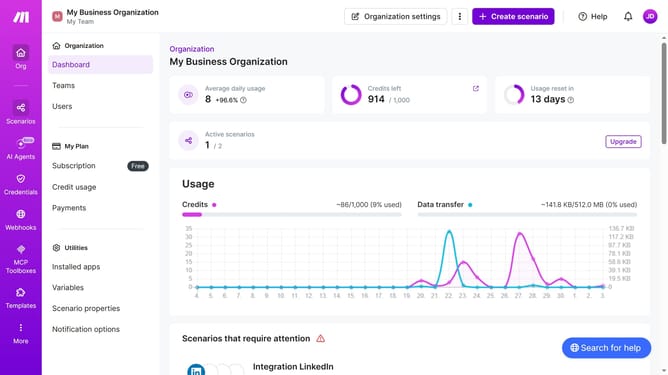
- First click on "Scenarios" tab in the left sidebar
- Then click on "LinkedIn" scenario
- Then click on "Options" dropdown
- Then select "Scheduling" from the options
- Then click on "+ Add more times" button
- Then click on "Time 2" input field and enter your preferred time
- Finally click on "Save" button
Why should you add time for a daily running schedule for LinkedIn scenario in Make
Make is your ultimate automation companion for streamlining processes and boosting productivity.
Adding time to a daily running schedule for a LinkedIn scenario in Make provides incredible flexibility in managing professional networks conscientiously.
This feature allows users to automatically adjust and optimize their LinkedIn activities, granting more control over time allocation without constant manual intervention.
Benefit from enhanced efficiency, focus more on engagement, and achieve a balanced and productive LinkedIn presence seamlessly.
Last update