How to set time for a daily running schedule for Google Form scenario in Make
Here is how to set time for a daily running schedule for google form scenario in make
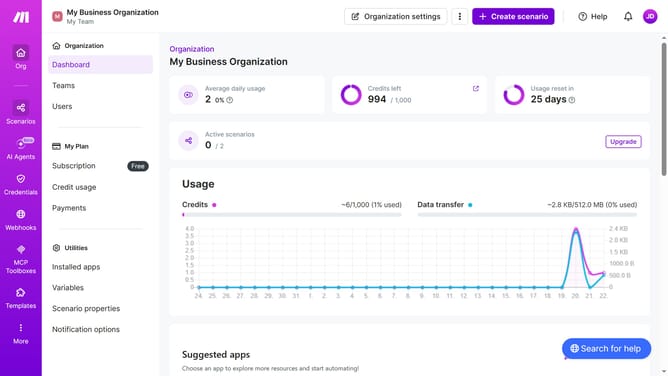
- First click on "Scenarios" on the left sidebar
- Then click on the Google Forms scenario in the main panel
- Then click on the "Options" button
- Then select "Scheduling" from the dropdown menu
- Then click on the input field under the "Time" section and enter your preferred time
- Finally click on the "Save" button
Why should you set time for a daily running schedule for Google Form scenario in Make
Make is an intuitive platform designed for automating and streamlining everyday tasks effortlessly.
Setting a time for a daily running schedule for a Google Form scenario in Make ensures that data collection remains consistent and timely.
Utilizing this feature aids in maintaining organization and boosting productivity by reducing the need for manual oversight.
With its straightforward scheduling, Make transforms routine tasks into effortlessly managed processes, allowing users to focus on more critical responsibilities.
Last update