How to set a weekday running schedule for LinkedIn scenario in Make
Here is how to set a weekday running schedule for linkedin scenario in make
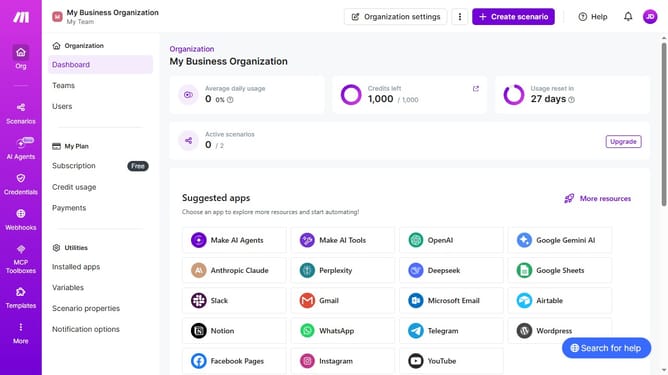
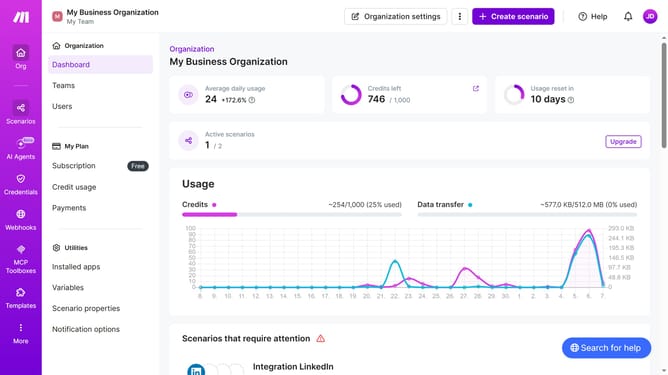
- First click on the "Scenarios" item in the left sidebar
- Then click on the "LinkedIn" scenario
- Then click on the "Options" button
- Then select the "Scheduling" option from the dropdown menu
- Then select "Weekdays (Mon - Fri)" from the "Run scenario" dropdown
- Finally click on the "Save" button
Why should you set a weekday running schedule for LinkedIn scenario in Make
Make is a dynamic tool that automates tasks across platforms, enhancing productivity in a seamless way.
Setting a weekday running schedule for LinkedIn scenarios in Make ensures that your tasks are executed only on desired workdays. This feature aligns your automation with the business week, allowing you to optimize efficiency and engagement.
By integrating this scheduling feature, you ensure consistent content delivery, prevent weekend disruptions, and maintain a professional presence without the need for constant manual oversight.
Last update