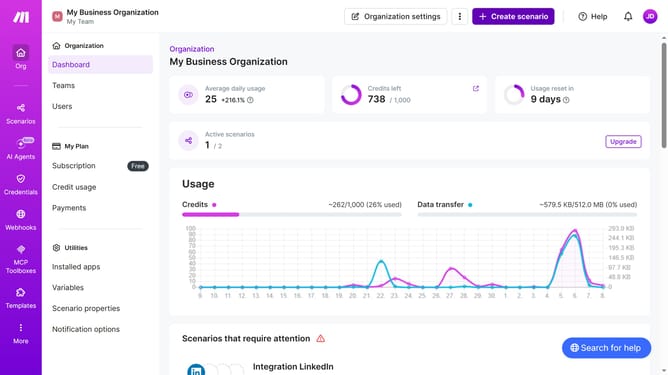
How to disable email when there is a scenario deactivation in Make
Here is how to disable email when there is a scenario deactivation in make
- First click on the user icon in the top right corner of the header
- Then click on "Profile" in the dropdown menu
- Next, click on "Email preferences" in the left sidebar
- Finally, click on the toggle switch to turn it off
Why should you disable email when there is a scenario deactivation in Make
Make is a versatile automation platform designed to streamline your workflows effortlessly.
A standout feature in Make is the ability to disable email notifications for scenario deactivations, providing a smoother, distraction-free experience.
This feature is particularly beneficial for reducing unnecessary email clutter, allowing users to maintain focus and enjoy more efficient task management.
By utilizing this option, you can enhance your productivity while enjoying a more seamless interface with the platform.
Last update