How to set time for a weekly running schedule for Google Form scenario in Make
Here is how to set time for a weekly running schedule for google form scenario in make
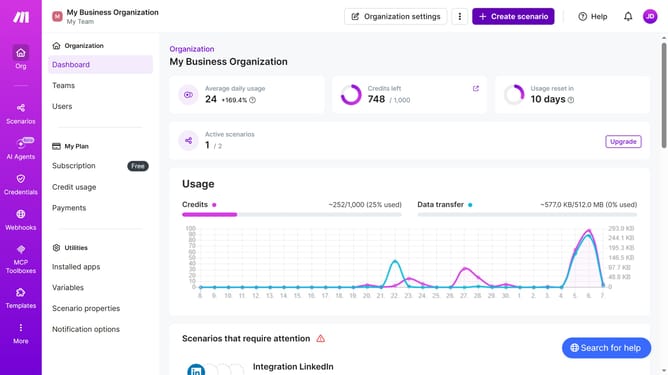
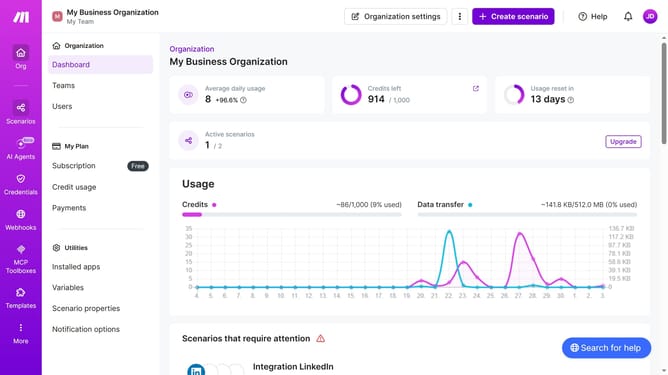
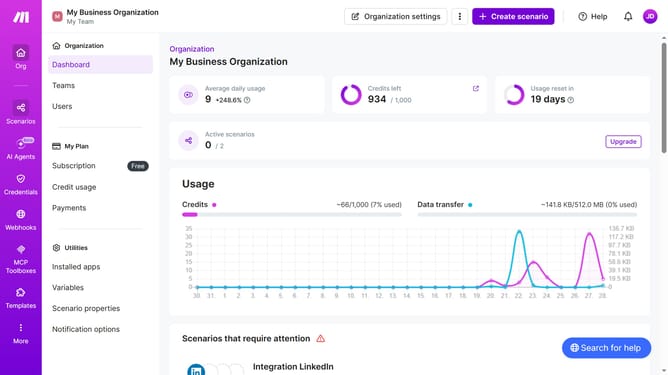
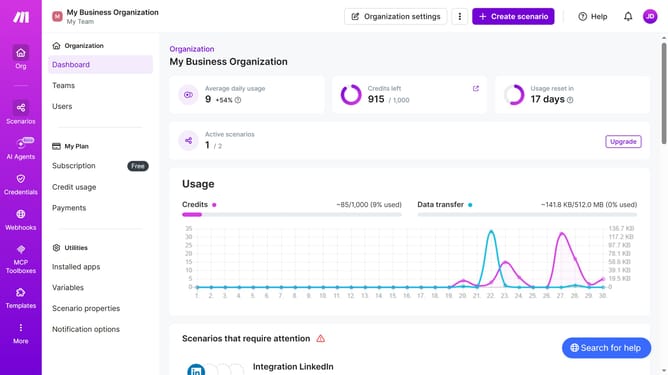
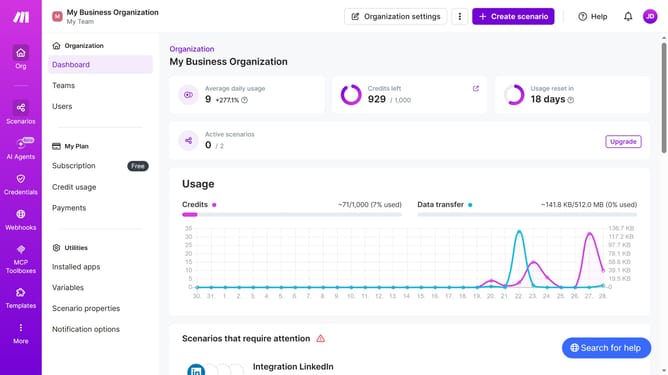
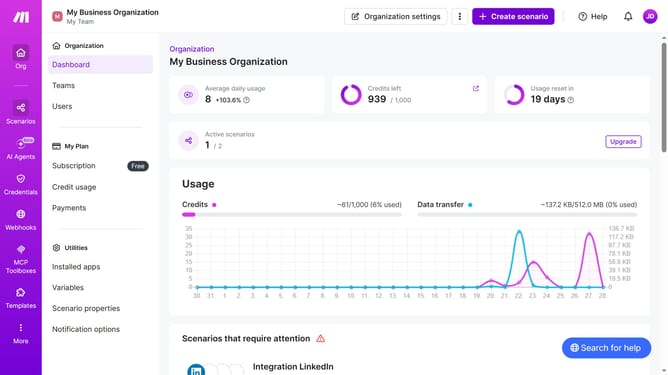
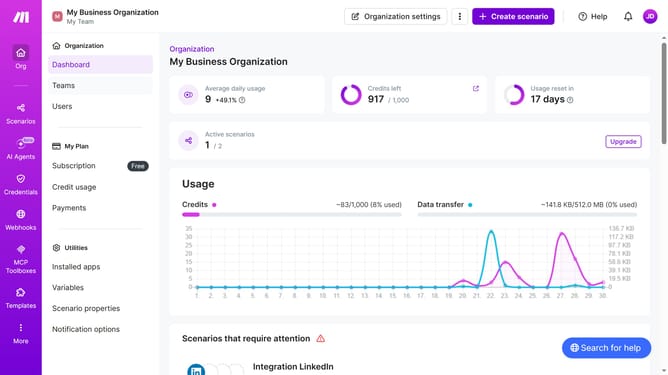
- First, click on the "Scenarios" option in the left sidebar
- Then, click on the Google Forms scenario in the main panel
- Next, click on the "Options" dropdown button
- After that, select the "Scheduling" option from the dropdown menu
- Then, click on the time input field and enter your preferred time
- Finally, click on the "Save" button to confirm the schedule settings
Why should you set time for a weekly running schedule for Google Form scenario in Make
Make is an intuitive platform designed to automate workflows seamlessly and effectively.
Setting a specific time for a weekly running schedule on Google Forms within Make enhances your productivity by ensuring consistent task execution. This feature is a game-changer for streamlining repeated processes and maintaining consistent data collection.
By optimizing your routine with Make, you can focus more on analysis rather than manual data gathering, significantly improving efficiency and reliability in your operations.
Last update