How to manage monthly running schedule of a Zoom scenario in Make
Here is how to manage monthly running schedule of a zoom scenario in make
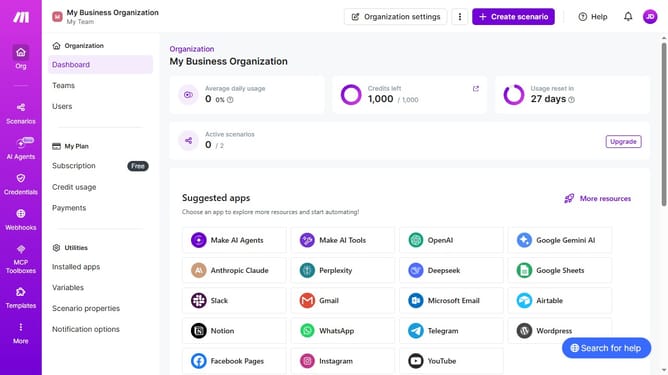
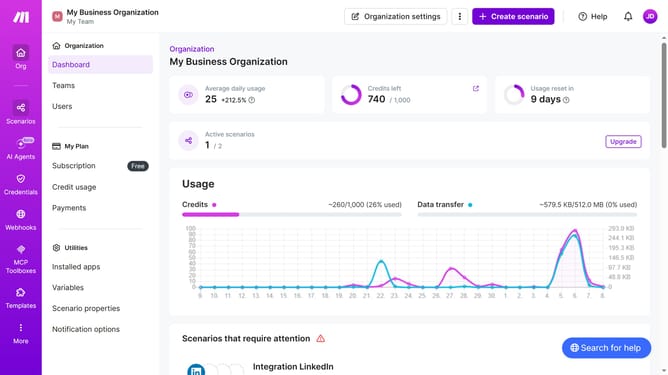
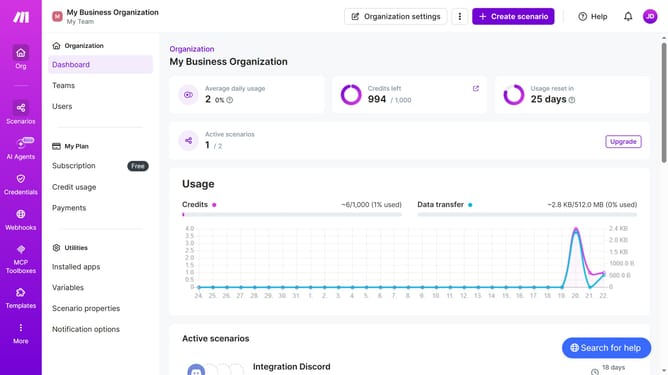
- First click on "Scenarios" item in the left sidebar
- Then click on the "Zoom" scenario in the main area
- Next, click on the "Options" button in the top right menu
- Then select "Scheduling" from the dropdown menu
- Click on the "Run scenario" dropdown under "Scheduling settings"
- Then, select "Monthly" from the expanded dropdown list
- Then click on the "Save" button
Why should you manage monthly running schedule of a Zoom scenario in Make
Make is a versatile tool designed to automate workflows seamlessly. Scheduling Zoom scenarios monthly within Make offers a strategic advantage, ensuring meetings are regular without manual interference. This feature is particularly beneficial in maintaining consistent communication and coordination.
Leveraging a monthly schedule keeps operations smooth and maximizes productivity by automating routine engagements. Businesses can stay organized and responsive, turning time management challenges into streamlined automation.
By organizing Zoom scenarios through Make, users enjoy greater efficiency and focus from automated processes, minimizing the chance of human error.
Last update