How to change filter your campaign status to completed in Make
Here is how to change filter your campaign status to completed in make
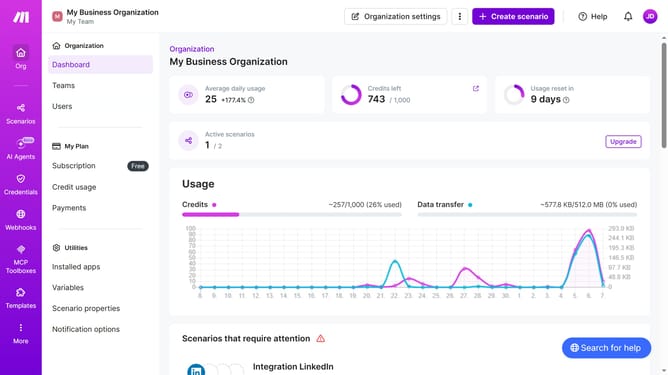
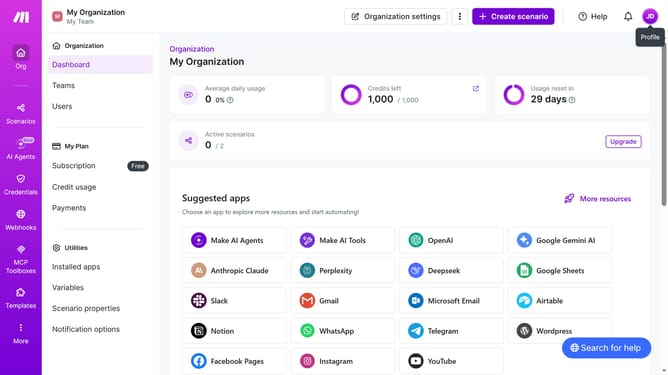
- First click on "Home" in the left sidebar
- Then click on "Status: All" filter
- Next select "Completed" option from the dropdown menu
- Finally click on "Completed" filter to confirm the selection
Why should you change filter your campaign status to completed in Make
Make is a powerful automation platform that streamlines workflows seamlessly.
Mailchimp's feature to filter your campaign status to completed is an essential tool for efficient campaign management.
This functionality allows users to effortlessly distinguish between ongoing and finalized campaigns, enabling better organization and tracking.
By utilizing this feature, marketers can quickly assess the performance of completed efforts, ensuring they can focus on crafting future successful campaigns with ease.
Last update