How to set a regular interval running schedule of a Shopify scenario in Make
Here is how to set a regular interval running schedule of a shopify scenario in make
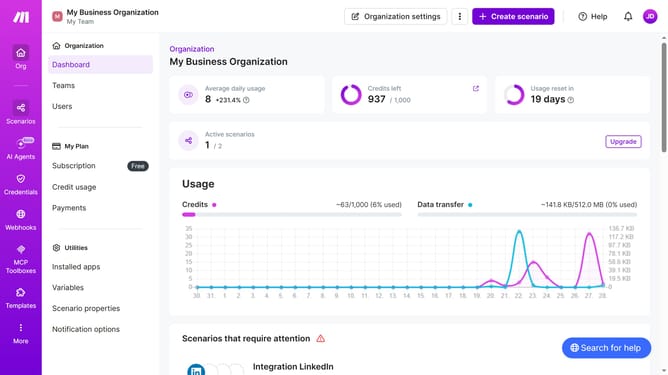
- First click on "Scenarios" on the left sidebar
- Then click on the "Shopify" item
- Next click on the "Options" button
- Then select the "Scheduling" option from the dropdown menu
- Click on the "Run scenario" dropdown in the schedule settings
- Then select "At regular intervals" from the dropdown list of scheduling options
- Then click on the "Save" button
Why should you set a regular interval running schedule of a Shopify scenario in Make
Make is a powerful automation tool designed to streamline repetitive tasks by integrating your apps and services seamlessly.
One of Make's standout features is the ability to schedule Shopify scenarios at regular intervals, ensuring your eCommerce processes run smoothly and consistently.
By setting a regular interval for these scenarios, you maintain up-to-date operations, like syncing inventory or processing orders, without manual oversight.
This automation fosters a more efficient workflow, saving valuable time and reducing the potential for errors, ultimately enhancing your business productivity.
Last update