How to delete a Discord scenario in Make
Here is how to delete a discord scenario in make
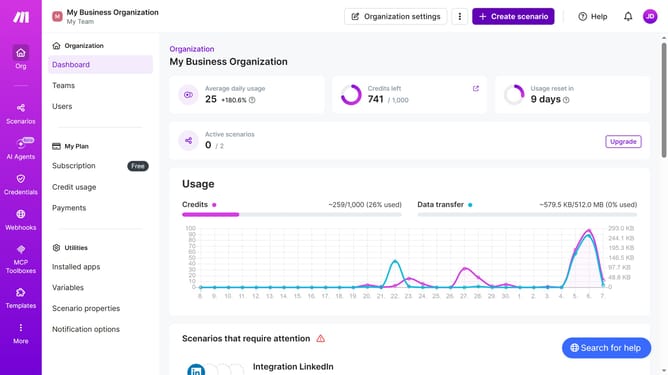
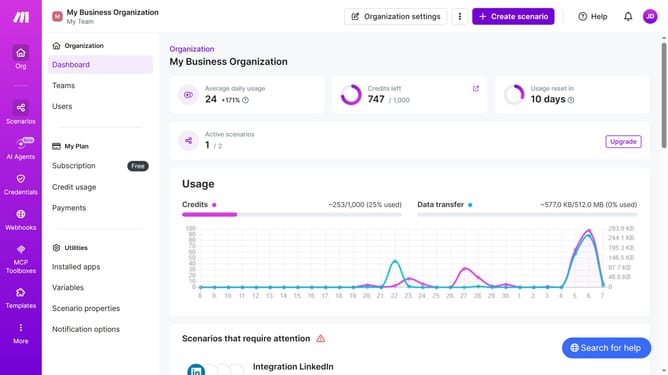
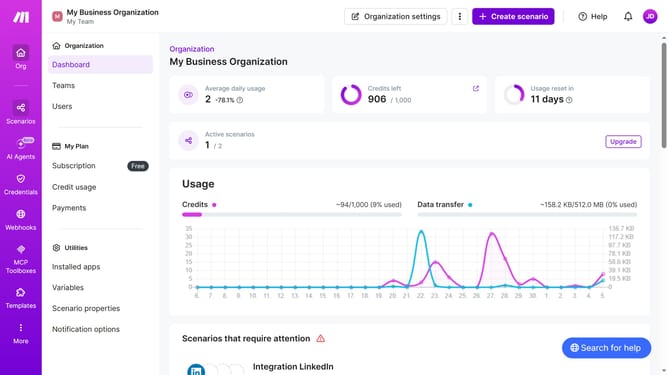
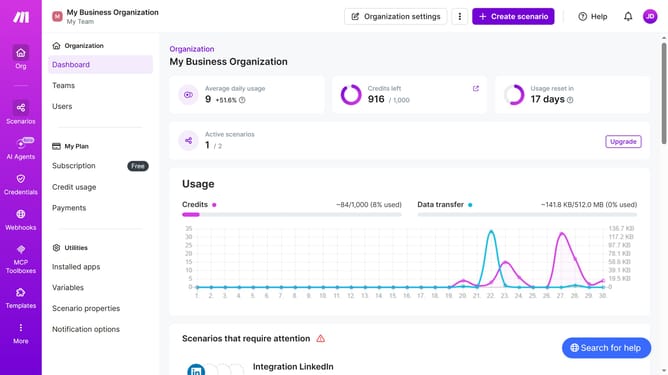
- First click on "Scenarios" item in the left sidebar
- Then click on the more options button or three dots for the Discord scenario you want to delete
- Then click on the "Delete" option from the dropdown menu
- Then click on the "Delete" button to confirm deletion
Why should you delete a Discord scenario in Make
Make is a powerful automation platform designed to connect various apps and streamline workflows effortlessly.
Deleting a Discord scenario in Make is straightforward and useful for maintaining a clutter-free workspace. By removing unnecessary scenarios, users can enhance their system’s efficiency and focus on vital automation tasks.
Utilizing this feature ensures that your automation setup remains clean and organized, optimizing your overall productivity and allowing you to concentrate on high-priority projects.
Investing time to handle scenarios wisely can significantly aid in making automation a more seamless experience.
Last update