How to disable email when there are errors in scenario run in Make
Here is how to disable email when there are errors in scenario run in make
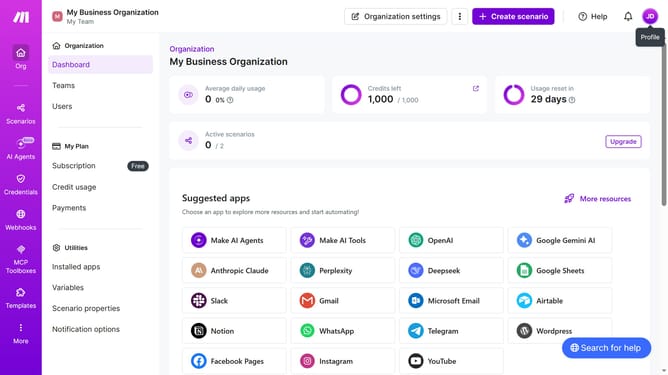
- First click on the user icon in the top right corner of the header
- Then click on "Profile" in the dropdown menu
- Next, click on "Email preferences" in the left sidebar
- Finally, toggle off the switch next to "Errors in scenario run"
Why should you disable email when there are errors in scenario run in Make
Make is a powerful automation platform designed to streamline workflows and integrate various apps efficiently.
One of its helpful features is the ability to disable email notifications when errors occur during a scenario run. This feature is ideal for users who prefer monitoring their workflow status manually, rather than being interrupted by constant emails.
By minimizing these distractions, users can focus on more critical tasks, maintain productivity, and streamline their decision-making process without being overwhelmed by error notifications.
Last update