How to add app Zapier in Make
Here is how to add app zapier in make
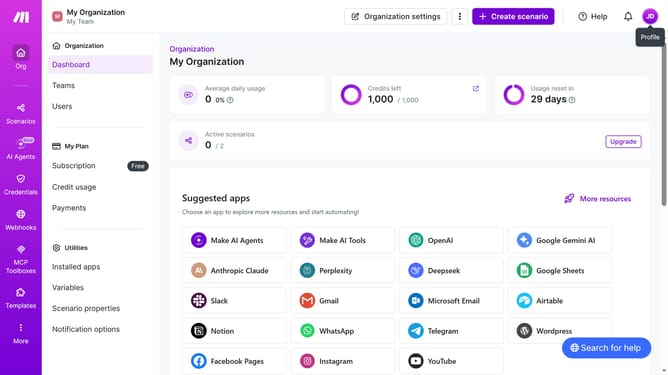
- First click on the "+ Create scenario" button in the header
- Then click on the search input field that says "Search apps or modules" and type "Zapier"
- Next, click on the "Zapier Verified" option
- Then click on the "Receive data" option
- After that, click on the "Choose a hook" dropdown
- Then select "My zapier-hook webhook" from the dropdown list
- Next, click on the "Save" button
- Finally, click on the "Immediately as data arrives" toggle
Why should you add app Zapier in Make
Make is a dynamic platform designed to integrate applications seamlessly for enhanced workflow automation.
By adding the app Zapier in Make, users can effortlessly connect multiple services and automate repetitive tasks with ease.
This integration not only streamlines operations but also saves valuable time by reducing manual processes.
Ultimately, incorporating Zapier within Make optimizes productivity, offering a smarter way to manage digital functions through powerful automation.
Last update