How to add a scenario description for OneDrive in Make
Here is how to add a scenario description for onedrive in make
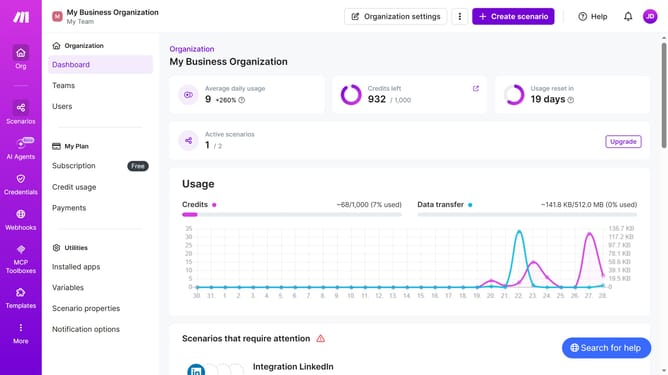
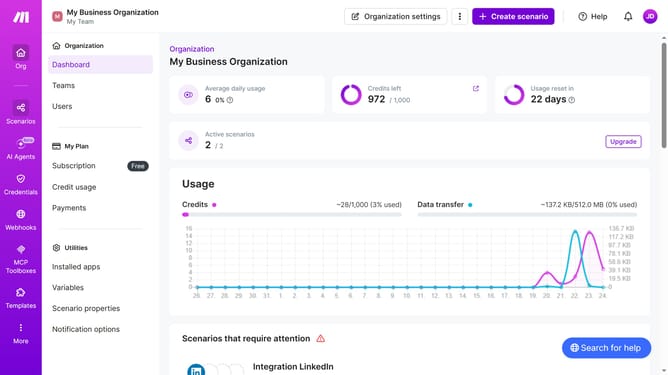
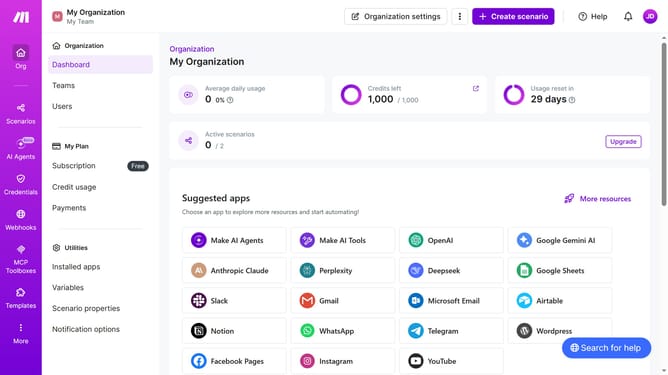
- First click on button with text "Scenarios" in the left sidebar
- Then click on "OneDrive" scenario
- Then click on "Options" button
- Then click on "Edit description" button
- Then click on text input for "Description" and enter your scenario description
- Finally click on "Save" button.
Why should you add a scenario description for OneDrive in Make
Make is a powerful automation platform designed to streamline workflows effortlessly.
Adding a scenario description for OneDrive within Make enhances clarity and organization. By doing so, users can better manage their automation processes, understanding exactly what each scenario accomplishes at a glance.
This feature proves particularly beneficial for teams who work collaboratively, ensuring everyone is aligned on the tasks and objectives of the automated workflows. Ultimately, it boosts productivity, reduces errors, and helps maintain a smooth operational flow.
Last update