How to manage interval time of running schedule of a LinkedIn scenario in Make
Here is how to manage interval time of running schedule of a linkedin scenario in make
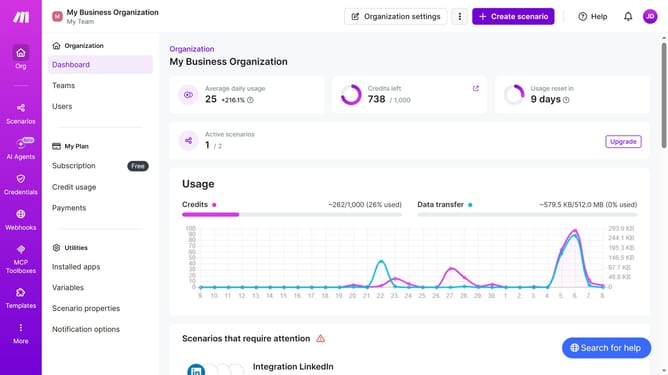
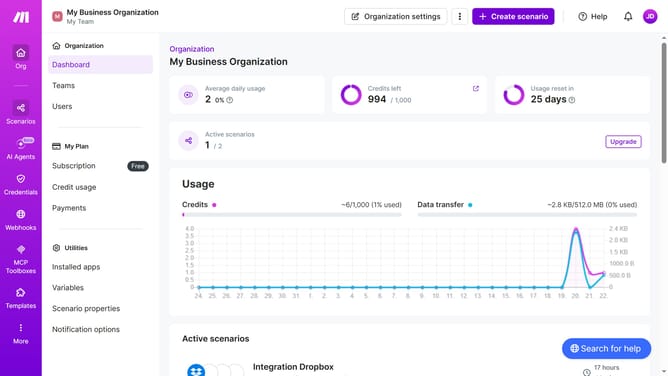
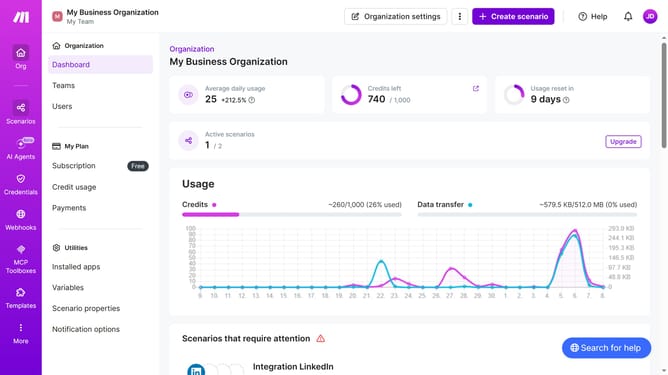
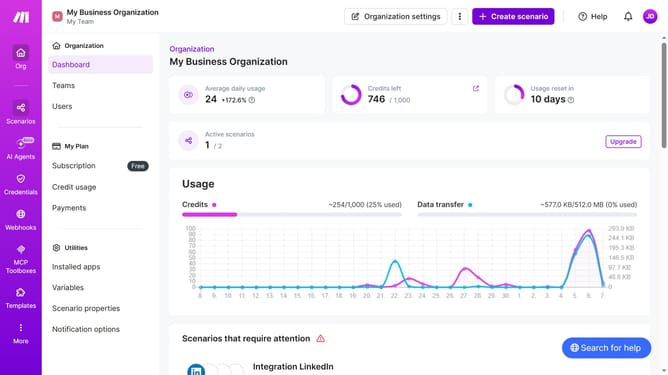
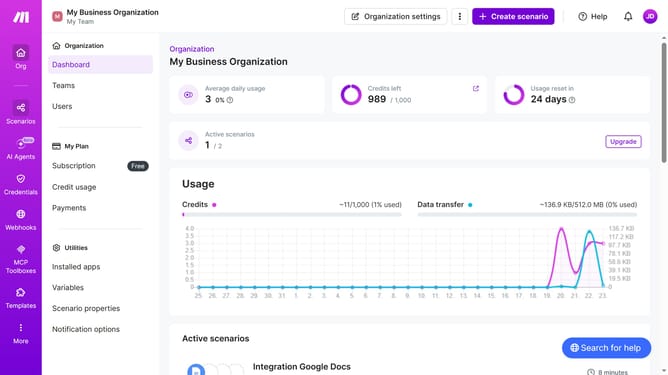
- First click on "Scenarios" in the left sidebar
- Then click on the LinkedIn scenario name
- Next click on the "Options" button
- Then select "Scheduling" from the dropdown menu
- After that, click on the minutes input field and enter your preferred minutes
- Then click on the "Save" button
- Finally click on the "Activate scenario" button
Why should you manage interval time of running schedule of a LinkedIn scenario in Make
Make is a versatile platform designed to streamline processes through automation.
Managing the interval time of a LinkedIn scenario in Make allows you to precisely control the timing of automated processes, ensuring that actions are executed at the most strategic moments.
This feature enhances operational efficiency by allowing you to align LinkedIn activities with peak engagement times, optimizing visibility and effectiveness.
Utilizing this capability means more targeted interactions, leading to improved networking outcomes without the complexity of constant manual scheduling.
Last update