How to add app Shopify in Make
Here is how to add app shopify in make
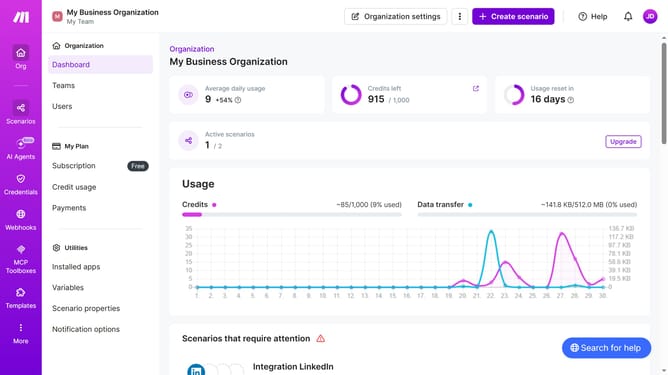
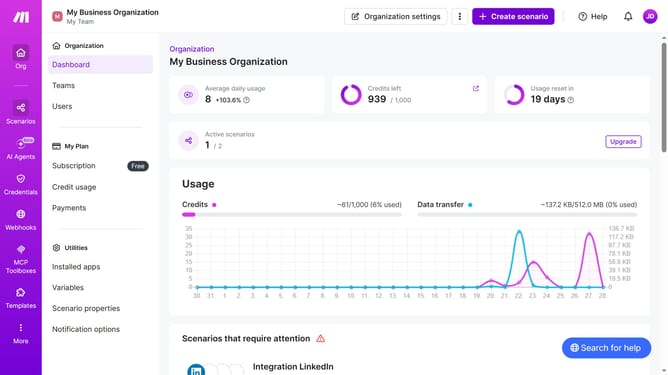
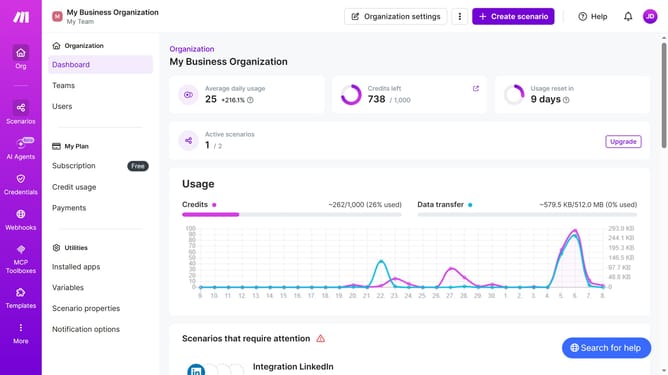
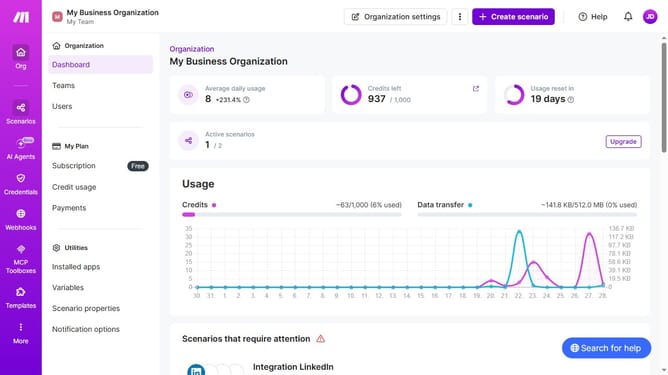
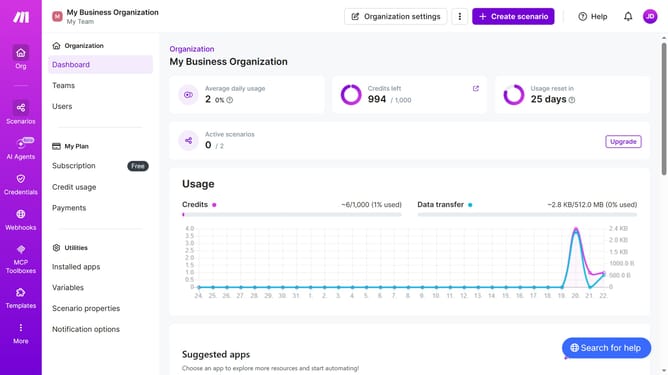
- First click on "Create scenario" button
- Then click on the "Search apps or modules" input field and enter "Shopify"
- Then click on the "Shopify" app
- Then click on the "Get an order" option
- Next click on the "Create a connection" button
- Click on the "Connection type" dropdown
- Then select from the dropdown list
- Then type the Shopify subdomain in the "Myshopify.com subdomain" input field
- Then click on the "Save" button
- Then click on "Save" button again
- Next, click and type Shopify order ID
- Then click on the "Save" button
- Finally click the "Save" icon at the bottom toolbar
Why should you add app Shopify in Make
Make is a powerful automation platform designed to streamline your business processes effortlessly.
Integrating Shopify within Make allows for seamless automation of your ecommerce operations. This feature offers streamlined data management, enhancing efficiency and minimizing manual tasks.
Adding Shopify to Make ensures your workflow is both cohesive and dynamic, facilitating real-time synchronization between platforms. This approach empowers businesses to maintain consistency and improve productivity.
Ultimately, using Make to connect Shopify enriches your operations and maximizes your business potential.
Last update