How to update you name in Make
Here is how to update you name in make
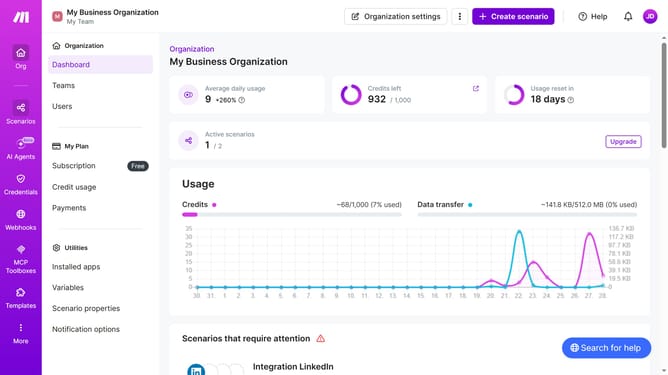
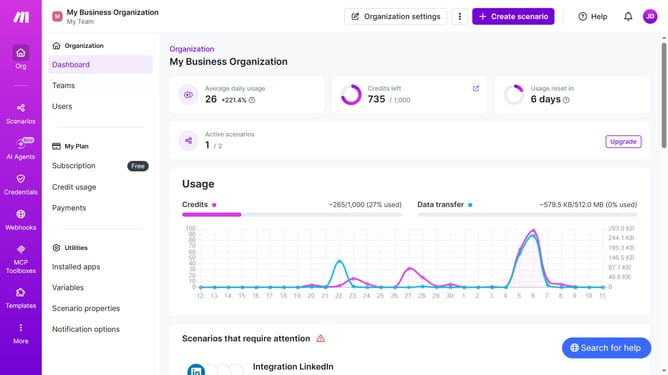
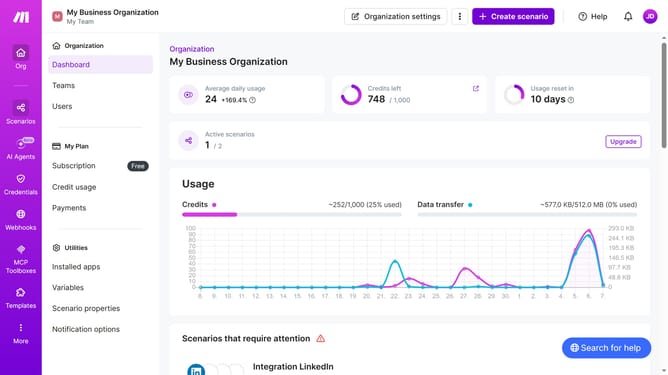
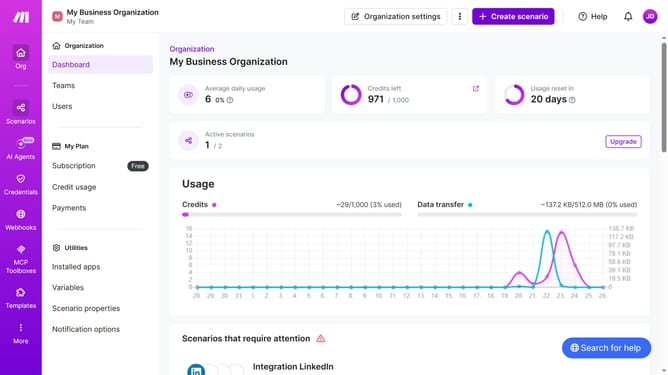
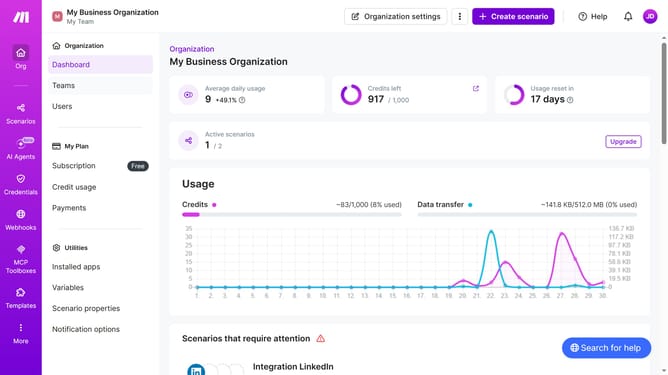
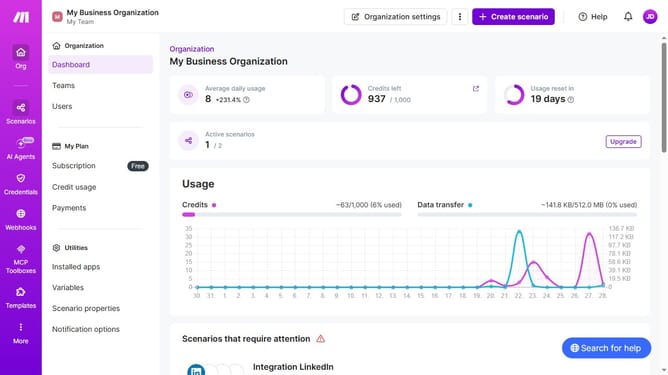
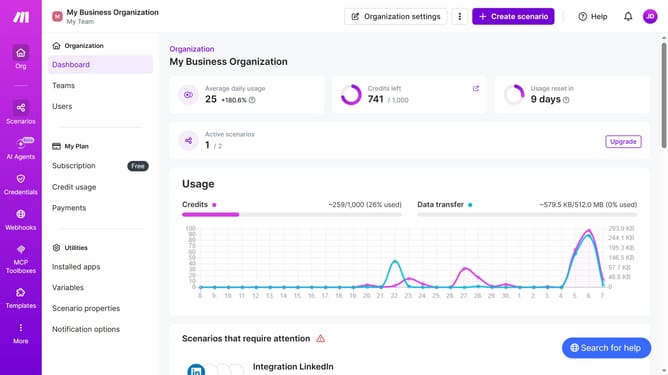
- First click on the three dots icon next to "Organization settings" in the header
- Then click on the "Change billing details" option in the dropdown menu
- Next, click the "Name" field and enter your updated name
- Finally, click on the "Save" button.
Why should you update you name in Make
Make is a dynamic automation platform designed to streamline workflows and boost productivity.
One standout feature is the ability to update your name, ensuring personal information stays current through all interactions. This feature enhances personalization and keeps collaborations seamless, reflecting your identity accurately.
Keeping your name updated in Make underscores the importance of up-to-date information for smoother communication. It also helps in maintaining a professional image, which is vital for building trust and credibility in any collaborative environment.
Last update