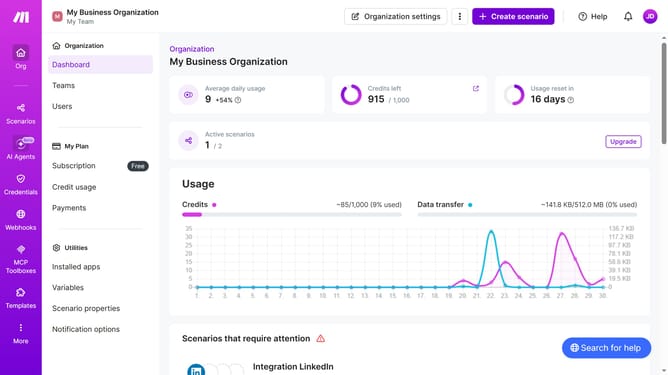
How to set time for a weekly running schedule for Google Sheets scenario in Make
Here is how to set time for a weekly running schedule for google sheets scenario in make
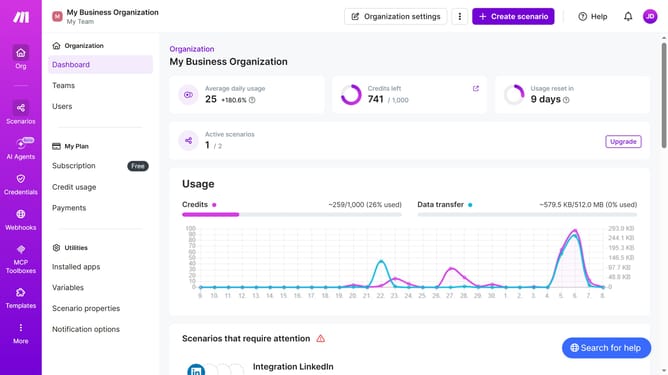
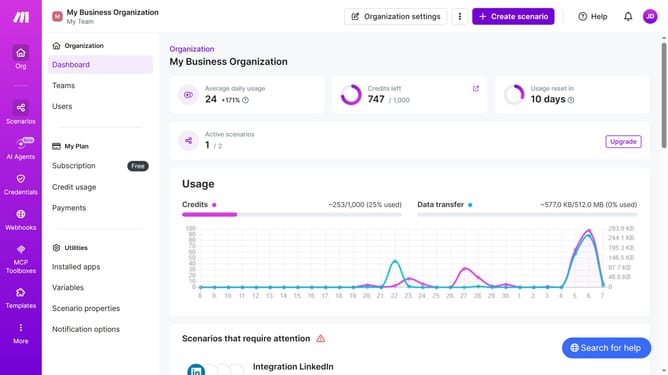
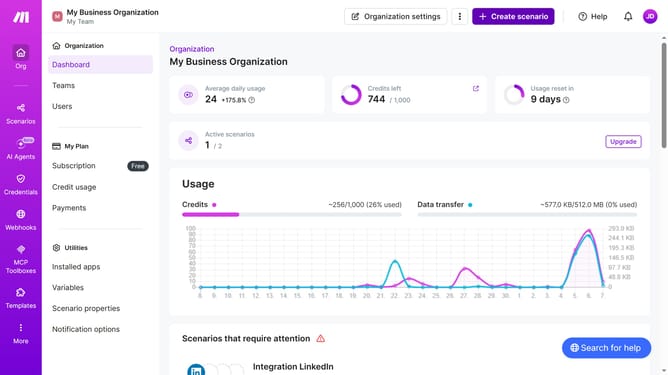
- First click on "Scenarios" tab in the left sidebar
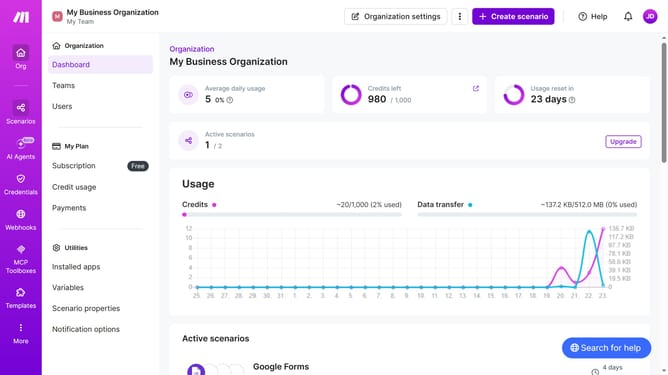
- Then click on Google Sheet scenario in the main panel
- Then click on "Options" button on the scenario details page
- Then click on "Scheduling" option from the dropdown menu
- Then click on the time input field and enter time
- Finally click on the "Save" button to confirm the scheduling settings
Why should you set time for a weekly running schedule for Google Sheets scenario in Make
Make is a versatile automation platform that simplifies complex workflows across different services.
Efficiently setting a time for a weekly running schedule in your Google Sheets scenario with Make allows you to streamline data management and optimize workflow efficiency. This feature ensures your data is updated and managed consistently without the need for manual intervention, maximizing productivity.
By automating your weekly schedule, you can focus more on analyzing data trends and insights rather than routine tasks. This enhanced efficiency not only saves time but also empowers you to make data-driven decisions with ease.
Last update