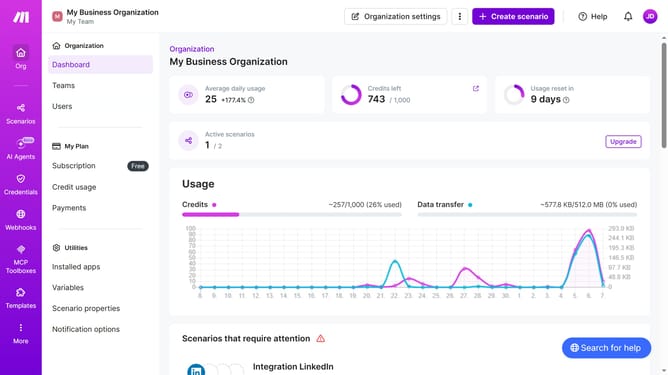
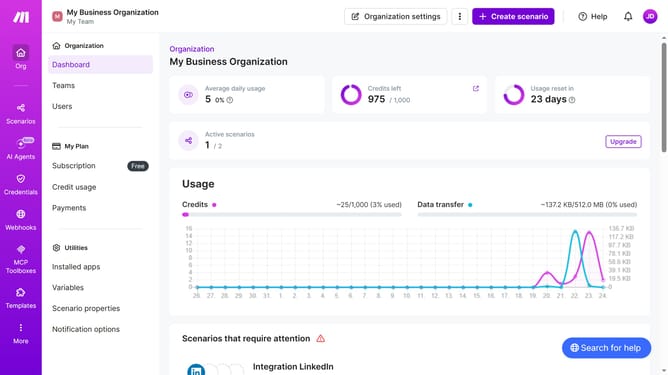
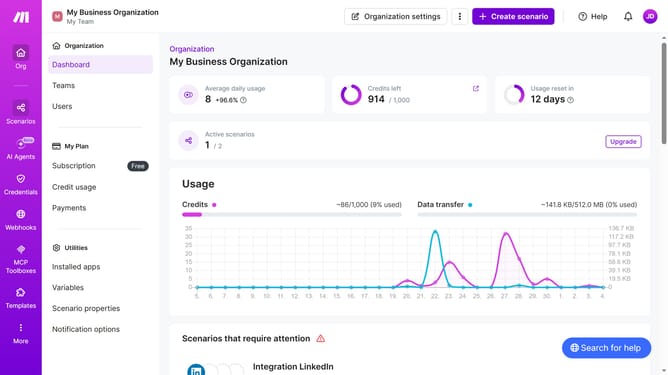
How to manage monthly running schedule of a Google Forms scenario in Make
Here is how to manage monthly running schedule of a google forms scenario in make
- First, click on "Scenarios" in the left sidebar
- Then, click on the "Google Forms" scenario to open it
- Next, click on the "Options" button in the top right corner
- Then, select "Scheduling" from the dropdown menu
- In the "Schedule settings" popup, click on the "Weekly" dropdown
- Then, select "Monthly" from the options list
- Finally, click on the "Save" button.
Why should you manage monthly running schedule of a Google Forms scenario in Make
Make is a powerful automation platform designed to connect apps and streamline workflows seamlessly.
Managing a monthly running schedule of a Google Forms scenario in Make allows for unmatched efficiency and accuracy in data collection. By scheduling these scenarios monthly, you ensure that crucial data is captured consistently without manual intervention.
This feature significantly reduces human error and saves valuable time that can be redirected to more strategic tasks, fostering productivity and consistency in operational processes.
Last update