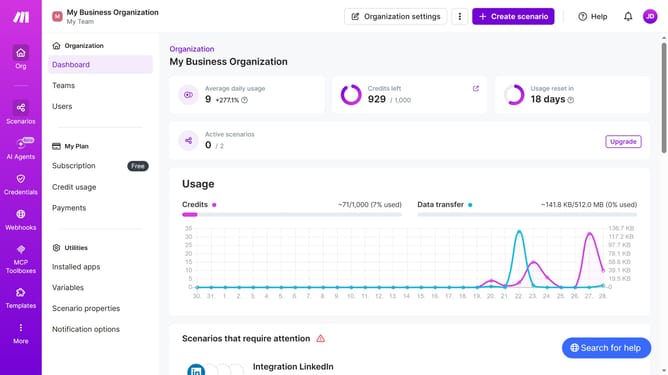
How to run Zapier scenario in Make
Here is how to run zapier scenario in make
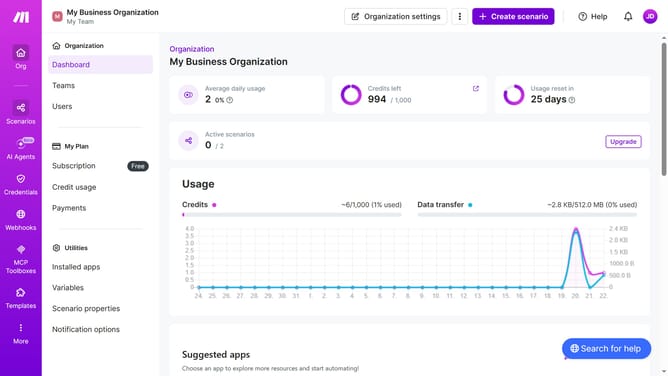
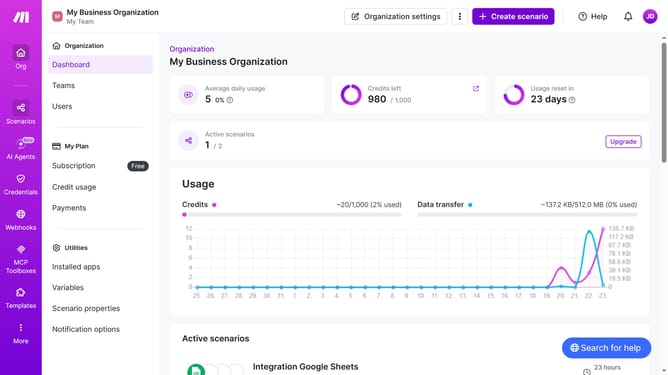
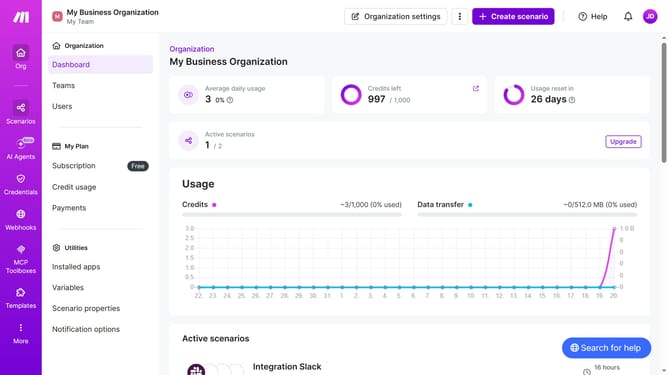
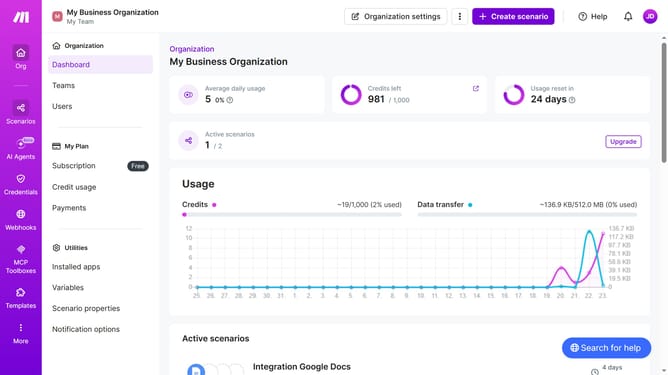
- First click on "Scenarios" item in the left sidebar
- Then click on "Integration Zapier" option
- Click on the "Edit" button
- Then click on the "Run once" button
- Finally click on the "Save" icon
Why should you run Zapier scenario in Make
Make is a versatile online platform designed to automate workflows and simplify processes.
Running a Zapier scenario in Make enhances workflow automation by bridging diverse applications effortlessly. This feature allows users to leverage existing Zapier automations within their Make projects, maximizing efficiency and streamlining operations.
For organizations and individuals who aim to optimize time and resources, using Zapier scenarios in Make offers unparalleled convenience and integration, providing a seamless experience across multiple applications.
Last update