How to duplicate a Gmail scenario in Make
Here is how to duplicate a gmail scenario in make
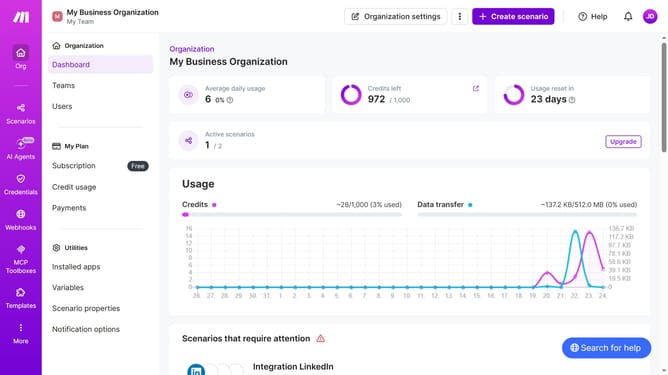
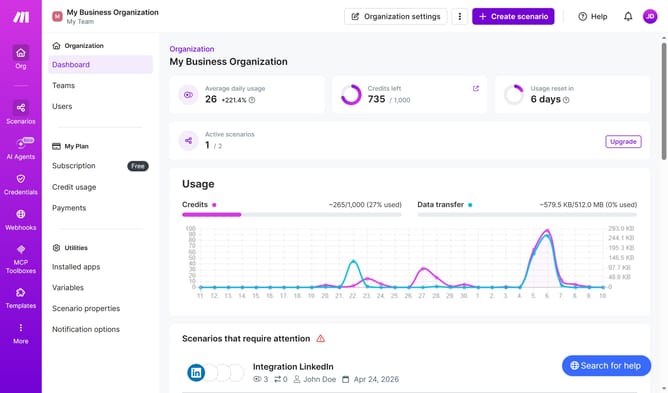
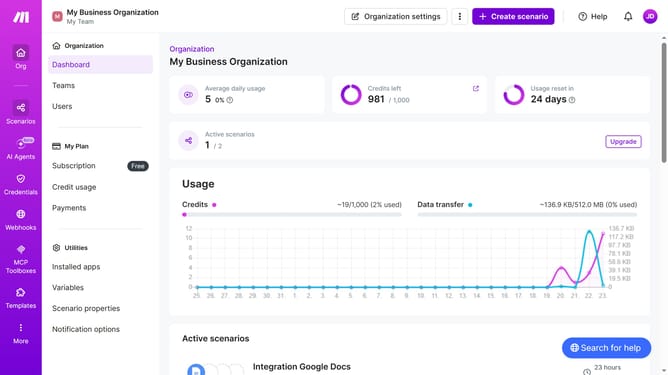
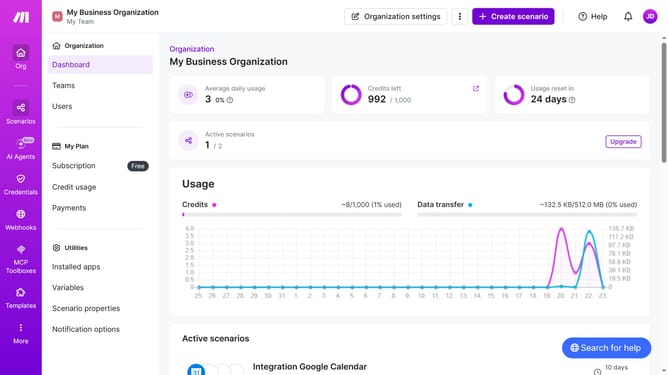
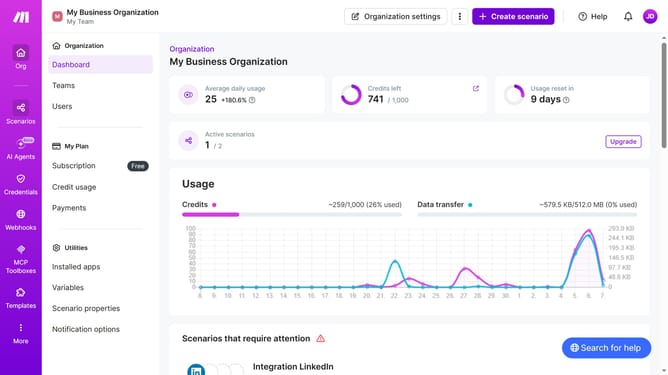
- First click on "Scenarios" in the left sidebar
- Then click on the "three dots" icon next to the Gmail scenario that you want to duplicate
- Then click on the "Clone" button
- Finally click on the "Save" button
Why should you duplicate a Gmail scenario in Make
Make is a powerful automation tool designed to streamline your workflows seamlessly.
Duplicating a Gmail scenario in Make is a feature that enhances efficiency by allowing you to effortlessly replicate complex workflows.
This feature is invaluable as it saves time, reduces errors, and maintains consistency across processes.
Embracing this capability ensures that expanding, testing, or adjusting automation tasks becomes both swift and uncomplicated.
Last update