How to duplicate a Youtube scenario in Make
Here is how to duplicate a youtube scenario in make
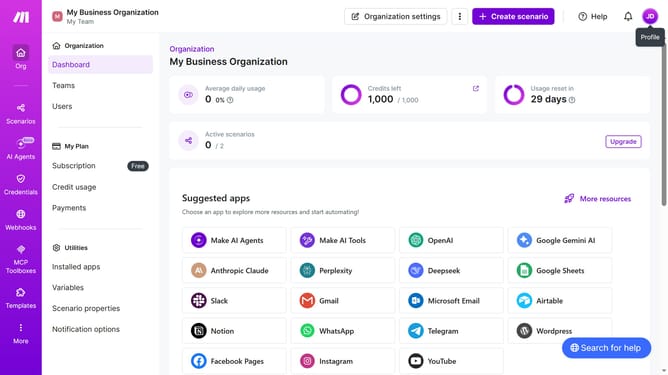
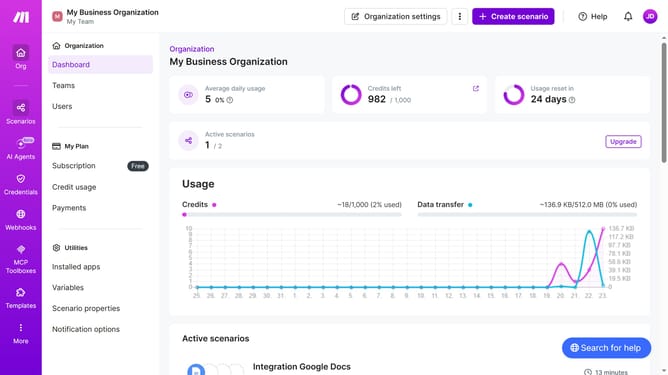
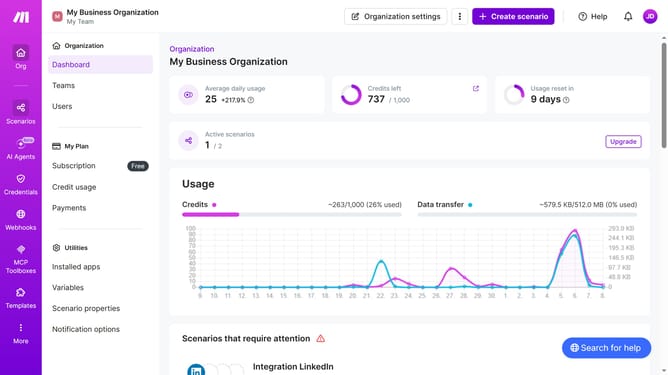
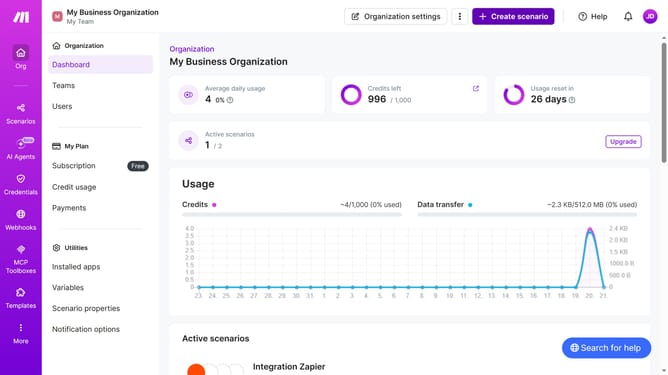
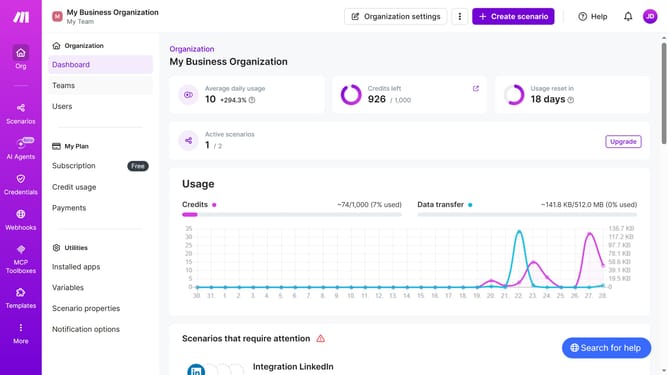
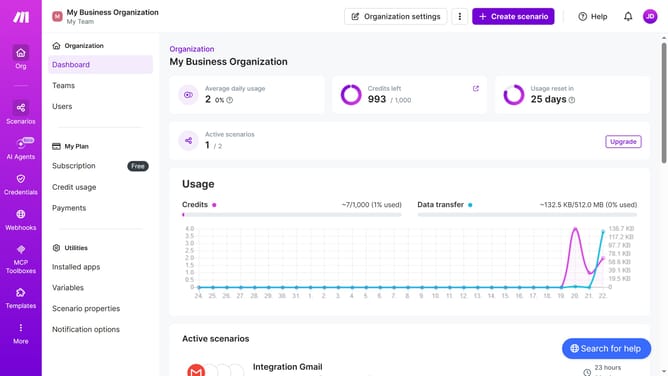
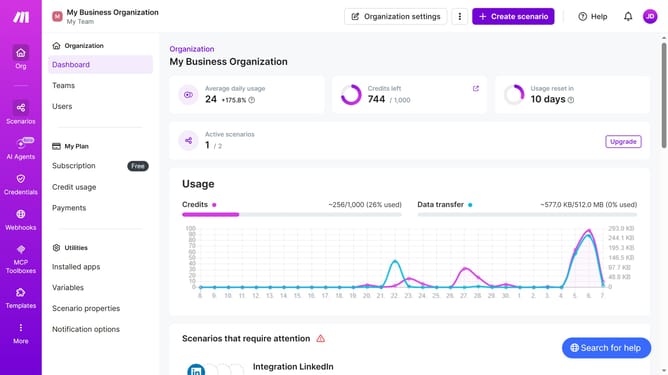
- First, click on "Scenarios" in the left sidebar
- Then, click on the three dots icon next to the YouTube scenario you want to duplicate
- Next, select the "Clone" option from the dropdown menu
- Finally, click on the "Save" button to confirm the cloning action
Why should you duplicate a Youtube scenario in Make
Make is a versatile automation platform designed to streamline and integrate your workflows effortlessly.
Duplicating a YouTube scenario in Make allows users to replicate existing workflows for consistency and efficiency.
This feature is especially beneficial for content creators who frequently manage similar tasks, such as uploading videos or updating playlists, thus saving time and reducing manual errors.
By leveraging Make’s duplicating capabilities, users enhance their productivity and focus on creating engaging content.
Last update