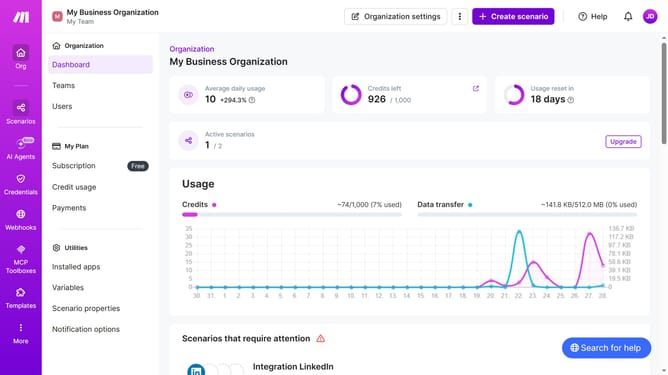
How to set time for a monthly running schedule for LinkedIn scenario in Make
Here is how to set time for a monthly running schedule for linkedin scenario in make
- First click on "Scenarios" in the left sidebar
- Then click on the LinkedIn scenario
- Then click on the "Options" button in the top menu
- Then select "Scheduling" from the dropdown menu
- Then click on the time input field in the "Schedule settings" window and enter time
- Finally click on the "Save" button
Why should you set time for a monthly running schedule for LinkedIn scenario in Make
Make is a dynamic automation platform designed to streamline your workflows and processes efficiently.
Setting a time for a monthly running schedule for your LinkedIn activities in Make is a seamless way to ensure consistency and reliability in your social media engagements. By automating your schedule, you eliminate the manual hassle of remembering or setting reminders, resulting in better time management and reduced stress.
This feature secures ongoing engagement with your audience on LinkedIn, allowing you to maintain a robust presence without constant manual input. It’s a great way to stay organized and maximize productivity.
Last update